This document describes progress on a library for procedural texture
synthesis for use in evolutionary computation. It is somewhere between a lab
notebook and an informal diary. The entries are listed in “blog order” with
the most recent material at the top. Or read from the bottom up beginning
with an overview. The sample images represent a
unit diameter disk centered at the origin of 2d texture space, rendered at a
resolution of 300 pixels. This library is part of a larger project in
goal-based texture synthesis. It has been used as a component in a model of
the evolution of camouflage in nature. The round
image shape is an artifact of that project, or can be seen as an homage
to the space
cookies from [Witkin
& Kass 1991].
While this library can be used in the normal way by a human programmer
(as in early samples below) it is primarily intended for use by an
automatic programming technique called genetic
programming. GP is a type of evolutionary computation related to the
genetic algorithm.
GA operates on bit strings while GP uses tree structured “genes” making it
suitable for evolving expressions of nested functions, such as those in
this library. This general approach is similar to Karl Sims' work on
interactive evolution of textures [Sims
1991]. Sims used GP to evolve a function
that computes a pixel's color from its coordinates. My approach differs
slightly: evolved program do not reference pixel coordinates, they
effectively return an entire texture. The functions in this library are
divided into “generators” which produce texture given simple parameters,
and “operators” which take one or more textures as inputs. Some timing
information is given below but should be considered preliminary and useful
only for relative comparisons. Probably at some point this will be
rewritten to use GPGPU
or multicore hardware.
Fine print: the C++ code
snippets below towards the top of this page, after October
16, 2009, were evolved with GP using Open
Beagle, unless otherwise noted. Code before/below that date was
hand-written. (Some having been lightly edited for readability. When
code is shown as assignments, the value assigned to the variable texture
is the displayed result.) Some of these diary entries have been revised
after the date given, they are marked with “Update”. The most recent To
Do list was posted December 1, 2009.
Send comments or questions to Craig
Reynolds.
Evolving Textures from High Level Descriptions:
Gray with an Accent Color
February 7, 2011
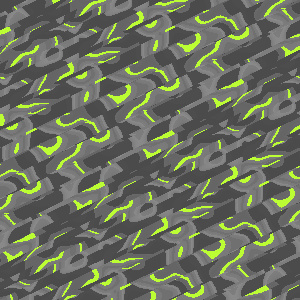
I have been doing further experiments with creating
“random” textures using a fitness function as a high level description
of the desired class of textures. Additonal description and examples are
available on a new page tying together several of these recent
experiments:
goal-oriented texture synthesis. A
paper describing these newer experiments will appear in the proceedings
of
evoMusArt
2011: Craig Reynolds. 2011. Evolving Textures from High Level
Descriptions: Gray with an Accent Color. In C. Di Chio et al. (Eds.):
evoApplications 2011 (Applications of Evolutionary Computation). LNCS
Springer.
Like the
GrayTheHardWay fitness
function used below (see
Oct 23,
etc.) these textures were evolved using multiple criteria multiplied
together. The intent was to find “a gray texture with a small amount of
saturated accent color.”
Interactive Evolution of Camouflage
June 23, 2010
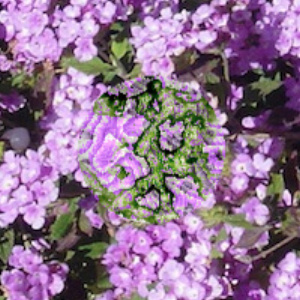
First of all, let me apologize to anyone who may
have been checking in here, waiting for updates. It is not that the
project has been inactive, just that the activity had moved elsewhere.
Originally this diary was about procedural texture synthesis. Then the
focus shifted to
evolutionary
procedural texture synthesis. Then last December the focus shifted
again, and went underground. I was working on a novel application of
evolutionary texture synthesis: modeling the evolution of camouflage
patterns in the natural world.
It was a tumultuous journey but my paper on that topic has been accepted
by the Artificial Life XII conference to be held in Odense, Denmark in
August 2010. For more information see the paper's web page:
Interactive
Evolution of Camouflage.
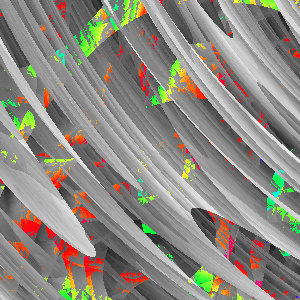
In this top image, a circular “prey” with its evolved camouflage is
shown overlaid on the photographic background for which it was evolved.
Note that the camouflage echoes colors and textures of the background
and that its boundary is hard to detect. (Image enlarged 1.5X)
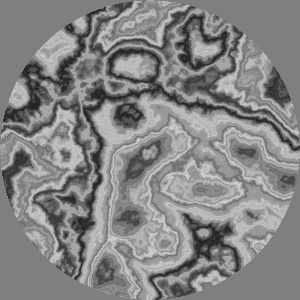
This camouflage texture was evolved on a photo of grayish tree bark. The
way the texture's contrasty features intersect the edge of the circular
“prey” give it the quality of
disruptive
camouflage helping to mask the prey's boundary. The
IEC
web page shows this camouflaged prey in its natural environment. Its
source is shown below, an elegant design that evolved to
Colorize
one
Furbulence noise texture
by another:
// "burlwood" disruptive camouflage:
Colorize (Ring (5.80532,
                Vec2 (-2.12073, 0.411024),
                Stretch (0.0449509,
                         -1.06448,
                         Vec2 (-1.37922, 0.946741),
                         Furbulence (1.21806,
                                     Vec2 (1.62529, 2.9815)))),
          Furbulence (1.21806,
                      Vec2 (-2.94693, -1.86416)))
Fixing the “too much red” problem
February 26, 2010
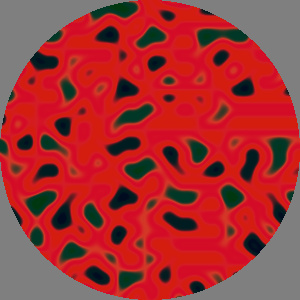
In some experiments using this library for texture
evolution, I noticed red seems to appear more frequently than other
colors. Cyan is also over represented, probably because it is easily
derived from red.
I think the primary source of this “too much red” symptom is the
HueOnly
operator (see
March 23). It uses the
conversions between RGB and HSV color space to get the input's hue then
returns the full saturation and full brightness color of that hue. But
when the input is pure gray the RGB to HSV conversion defaults to a hue
of zero, which maps to red. Any monochrome input to
HueOnly
produces a uniform red texture.
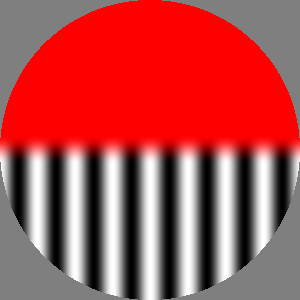
This image is a “split screen” comparison of a monochrome sine wave
grating processed by HueOnly
(top half) and its new replacement called HueIfAny
(bottom half). See code below. Future texture evolution will use HueIfAny
instead of HueOnly.
I chose to replace HueOnly
rather than modify it because I want to maintain backwards compatibility
in this library. I want old code, particularly quirky old code
discovered by evolution, to continue to work as it did originally, even
if that means preserving old buggy behavior. This allows old texture
programs to be re-rendered if needed and used for metering and other
comparison with subsequent work.
SoftMatte (Gradation (Vec2 (0, -0.05), white, Vec2 (0, +0.05), black),
           HueOnly (SineGrating (50, pi/2)),
           HueIfAny (SineGrating (50, pi/2)))
HueIfAny is identical to
HueOnly
except that it returns unchanged any gray input pixels (those with zero
saturation). As a result
HueIfAny
has discontinuous behavior for very, very desaturated colors as seen in
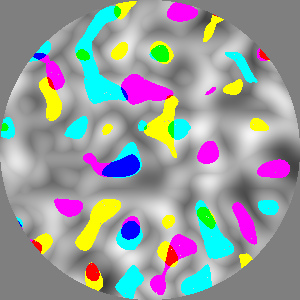
this image and the code below. This is
ColorNoise
whose saturation has been reduced by a factor of two million. It is
right at the edge of floating point precision. Most of the pixels have
lost the ability to resolve minute differences between the RGB values.
These gray pixels remain unchanged by
HueIfAny.
Some pixels still have one bit of color difference left. This seems to
produce an effect like subtractive color mixing (see
April
8) where primary colors are seen where blobs of secondary colors
overlap.
HueIfAny (AdjustSaturation (0.00000005, ColorNoise (0.13, Vec2())))
Another potential source of “too much red” is that several generators
produce textures with many fully black or fully white pixels. These two
values both happen to map to red in the
BrightnessToHue
operator (
June 8). Again this is because red
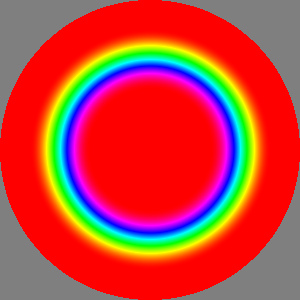
corresponds to hue values of zero and (since hue is cyclic) one. In this
image a
SoftEdgeSpot colorized
by
BrightnessToHue shows red
in the white center and in the black exterior of the spot.
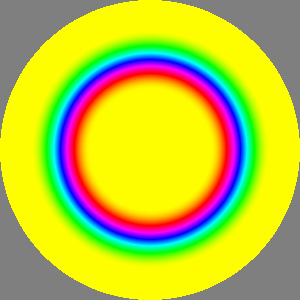
To remove this potential bias toward red in
BrightnessToHue
I added a
huePhase parameter
to the operator's constructor. This is similar in effect to the
AdjustHue
(see
July 17) operator and causes the set of
hues to rotate by the given phase. Here a value of 1/6 has caused the
red parts of the previous image to become yellow and the other hues to
shift accordingly. This parameter will now be part of the evolved
texture program, meaning it will be initialized to a random value, and
will be subject to adjustment by crossover and mutation.
New texture evolution will use the new two argument constructor for
BrightnessToHue
while old code using the one argument version will continue to work as
before.
BrightnessToHue (       SoftEdgeSpot (0.2, 0.4, Vec2()))  // 1 arg version, red bias
BrightnessToHue (0.166, SoftEdgeSpot (0.2, 0.4, Vec2()))  // 2 args, 1/6 -> yellow
Density slicing redux
February 25, 2010
On
May 15 and
June
9 I prototyped “density slicing” operators that map from
brightness to color. They seemed a bit awkward, and once I wrote
Colorize
(see
July 4) it seemed like a better approach.
I left the density slicing operators out of the function set used by
genetic programming. Now I changed my mind and decided to make a new
operator called
BrightnessSlice4
and use it in GP texture evolution.
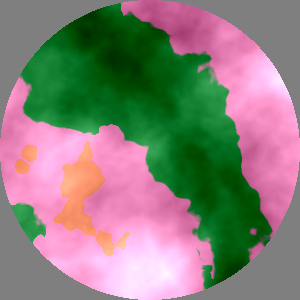
In this example, one
Turbulence
texture has been sliced into green, pink and orange regions, which is
then multiplied(?) by another
Turbulence
texture.
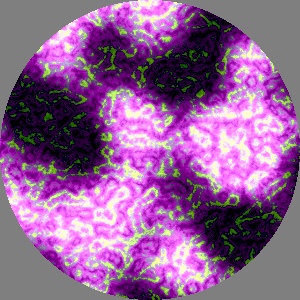
In this evolved texture, a Furbulence
texture is apparently sliced into a pattern of white, pink, purple and
green. That result is added to a NoiseDiffClip
texture creating the lower frequency pattern of darks and lights.
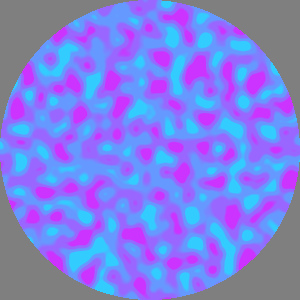
The new BrightnessSlice4
operator maps an input texture's brightness onto one of four given
colors, based on three given brightness thresholds and a softness
parameter that controls the width of the three transitions between the
four colors. This image is made with hand written sample code below.
BrightnessSlice4 (Pixel (0.8, 0.2, 1),                    // four colors
                  Pixel (0.6, 0.4, 1),
                  Pixel (0.4, 0.6, 1),
                  Pixel (0.2, 0.8, 1),
                  0.1,                                    // three brightness thresholds
                  0.5,
                  0.9,
                  0.5,                                    // softness
                  NoiseDiffClip (.06, 0.4, Vec2 (1, 3)))  // input
GP support for recent additions
February 24, 2010

I added GP interfaces for recent texture synthesis
operators. This texture uses several layers of
SpotsInCircle
in yellow and white over green. It looked to me a bit like an out of
focus photo of lights at night. As with earlier evolved texture tests,
today's images use
GrayTheHardWay
(see
Oct 23 etc.) as the fitness function.
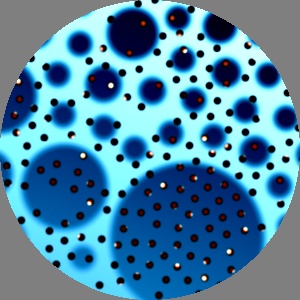
As mentioned before, I sometimes include an ad
hoc bias in fitness to encourage the use of specific texture
synthesis operators to help test them. I did that for SpotsInCircle
above, then changed the bias to look for an example of NoiseDiffClip.
Instead I got this lovely image featuring SpotsInCircle.
In the “foreground” there are small black spots, many of which seem to
have smaller red spots inside them. Possibly one is a mutated copy of
the other, differing only in the maxRadius
parameter? The larger bluish spots show a strong variation in size
presumably based on SpotsInCircle's
sizeMap parameter.
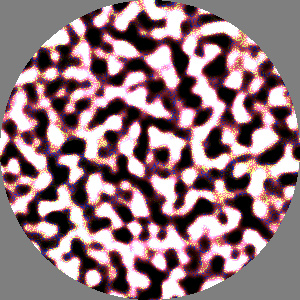
Eventually I found this evolved texture making
conspicuous use of
NoiseDiffClip.
In fact this 128-node program has 13 calls to
NoiseDiffClip!
In addition to the visually dominate one (reddish mid-tones and a scale
similar to the first image on
Feb. 6) the high
frequency yellow and blue speckles are probably also generated by
NoiseDiffClip.
Colored spots
February 9, 2010

The
July 26 LotsOfSpots
post speculated that another texture could provide a color for each
spot. This new
ColoredSpotsInCircle
operator provides that functionality, with the same provisional status
as
SpotsInCircle: I would like
to eventually replace this with a “space filling” version (see
yesterday's
post). The texture shown
here uses the same five parameters as the top image yesterday. A sixth
parameter, the
ColorNoise
texture shown in the second image, provides the spot's colors.
Not yet implemented: a similar
LotsOfSpots-like
operator
that takes a third texture parameter and maps a disk of it into each
spot.
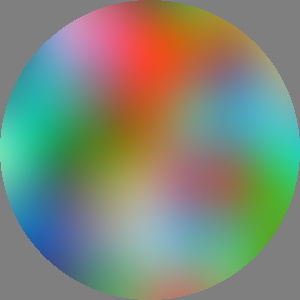
This ColorNoise
texture determines the colors of the spots above. Each spot looks at the
color in this texture corresponding to the spot's center. Some “drift”
of these look-ups (for color, size and likelihood) may occur due to the
adjustment of spot position to avoid overlap.
Interim spots
February 8, 2010
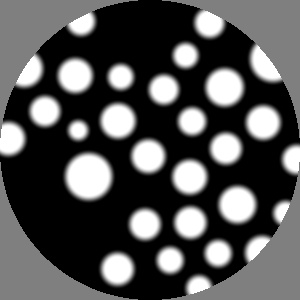
I updated the
LotsOfSpots
prototype from
July 26 but was concerned about
the way the spot centers were restricted to the unit circle around the
origin (the part shown in these renderings). Scaling down or translating
LotsOfSpots reveals a circle
containing spots and empty black outside of that.
Ideally I would prefer an unbounded, space filling pattern. This might
use an approach like the grid-based random seeding described in the
paper [
Lagae
et
al. 2009] about sparse Gabor convolution, mentioned here last
May
9. I decided to side-step this limitation with a name change.
Eventually there may be a space filling version of
LotsOfSpots,
but for now this interim operator will be called
SpotsInCircle.
In the top image, spots are distributed uniformly within the unit
circle, their radii are proportional to a
Noise
texture.
SpotsInCircle (30,                                  // number of spots
               0.1,                                 // max spot radius
               0.3,                                 // softness
               UniformColor (white),                // likelihood (uniform)
               Add (UniformColor (gray (0.3)),      // radius variation
                    Tint (gray (0.77),
                          Noise (.2, Vec2 (7,11)))))

In this example both the likelihood of a spot appearing, and the
relative size of each spot, vary over the image. They are controlled by
the two input textures. In this case the relative size varies
horizontally across the texture: largest in the center and down to zero
at the left and right sides. The likelihood of a spot appearing varies
vertically: high near the center and low at the top and bottom of the
image.
SpotsInCircle (200,                                  // number of spots
               0.025,                                // max spot radius
               0.6,                                  // softness
               SoftEdgeBar (0.1, 0.4, Vec2(), 0),    // likelihood: horizontal bar
               SoftEdgeBar (0.1, 0.4, Vec2(), pi/2)) // relative radius: vertical bar

I plan to let GP choose maximum spot radius on the range [0, 1]. This is
what it looks like when 20 spots of radius 0.5 try to fit inside a
circle of the same size.
Clipped difference of Noise
February 6, 2010

No evolved textures today, this is about a new
generator for the texture synthesis library. Originally inspired by the
third image on
July 19, this labyrinth-like
texture is similar to applying a soft threshold to
Noise.
The implementation used here produces a more organic shape by clipping
the difference between two
Noise
patterns, offset in position and rotation.
The parameters for this new
NoiseDiffClip
generator include a scale and position (like
Noise)
plus a softness value between 0 and 1. Softness is 0.05 in this first
texture.
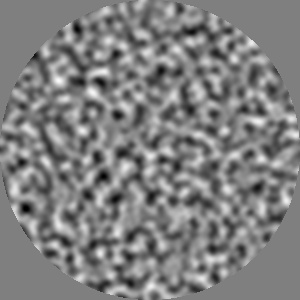
Another
NoiseDiffClip with a
softness of 0.8 and 2/3 the scale. This has a different style than basic
Noise, compare this image to
those on
May 4. Looking at brightness
histograms, this texture has more pixels in the midrange and fewer at
the bright and dark ends of the scale.
December in February
February 2, 2010
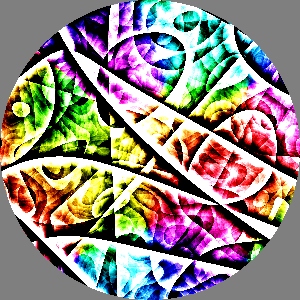
During December I experimented with new kinds of
fitness and population replacement strategies for GP in Open Beagle.
Novel textures are created as a side effect of this testing. I collected
some of the interesting ones, but neglected to post them until now.
This first texture is my favorite. The intense edges seem to be from Wrapulence
with a strong dose of EdgeEnhance.
ColorNoise provides the basic
hue variation. Or so it seems, the evolved code is difficult to
comprehend:
// coc20091217a -- very edgy multicolor pattern
Subtract (EdgeEnhance (0.040705, 4.58566,
                       Add (Wrapulence (2.61481, Vec2 (1.16699, -2.27901)),
                            Furbulence (3.66211, Vec2 (-2.12694, -1.26397)))),
          Subtract (Subtract (EdgeEnhance (0.0420333, 4.58566,
                                           Add (Subtract (Add (Furbulence (0.323467, Vec2 (-2.12694, 1.10331)),
                                                               Furbulence (3.66211, Vec2 (-2.12694, 1.10331))),
                                                          Furbulence (3.66211, Vec2 (-2.12694, 1.10331))),
                                                EdgeEnhance (0.042568, 4.58566,
                                                             Add (Wrapulence (2.61537, Vec2 (-2.94796, -2.94796)),
                                                                  Furbulence (3.90532, Vec2 (-2.94796, 0.965091)))))),
                              Furbulence (3.66211, Vec2 (-2.12694, 1.10331))),
                    HueOnly (Subtract (EdgeEnhance (0.042568, 4.58566,
                                                    Add (Wrapulence (2.84277, Vec2 (-2.94796, 0.965091)),
                                                         Wrapulence (2.84277, Vec2 (-2.94796, 0.740041)))),
                                       Subtract (Add (Wrapulence (3.05225, Vec2 (1.16699, -2.27901)),
                                                      Furbulence (3.66211, Vec2 (-2.12694, 1.10331))),
                                                 ColorNoise (0.5612, Vec2 (1.44605, -2.03616)))))))

Looking down into a container as gloppy green liquid is poured in -- or
something like that.
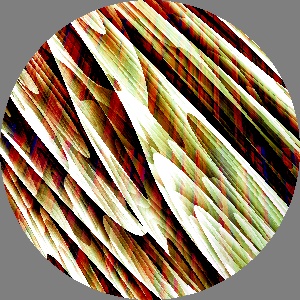
Woodgrain-ish texture from Stretch,
Wrapulence and others.
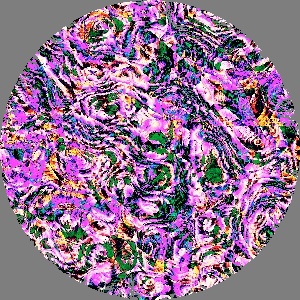
Psychedelic fractal cabbage. (Not to be confused with
fractal
broccoli.)
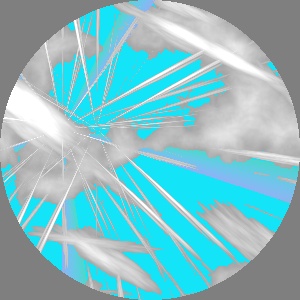
Clouds and contrails.
Updated to do list
December 1, 2009
I wrote the previous To Do list on
September
20,
2008. Now that the initial version of this library is largely
complete, I made this updated list to keep track of still unfinished
business:
- Not yet implemented:
- Reaction-diffusion textures, see this
and discussion on September 20,
2008
- Generalized warp: brightness of one image causes localized
expansion or contraction of another texture (like StretchSpot,
see March 15, 2009)
- “Polar blurs” along constant angle or radius (related to September
11, 2009).
- Prototyped but not finished:
- Marble, maybe “generalized marble” as described on May
28, 2009
- Sparse Gabor Convolution, as prototyped on May
9, 2009
- LotsOfSpots, as
prototyped on July 26, 2009.
- Generator based on the “Max
of Noise” labyrinth, see
third image on July 19, 2009.
- Working but too slow (waiting for GPGPU?):
Exponentiated absolute difference, and an end for
now
November 30, 2009
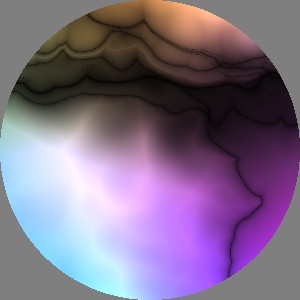
This marks having completed a pass over the entire
library of texture generators and operators, connecting them to the
GP
engine of
Open Beagle. It is
also just about a year since I started working on this project in
earnest. Other candidates for the library exist only as prototypes or
unimplemented ideas. I will list those in an updated To Do list then
relegate them to the back burner while moving to the next phase of this
project. Things may get quiet here for a while.
The final addition is
ExpAbsDiff,
which does a
Gamma-like
exponentiation of the absolute value of the difference of two textures.
Sorry for the abbreviated name, but spelling it out just seemed too
long...
This texture uses
ExpAbsDiff
with several
Multiplies, noise
generators and
SoftEdgeSpots.
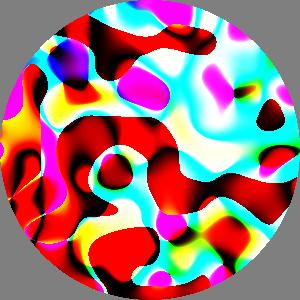
In all of today's examples the fitness function is
biased toward inclusion of
ExpAbsDiff
and the grating generators were excluded. (I'd gotten tired of all those
stripy patterns favored by
GrayTheHardWay.)
As
a result today's textures are primarily based on the various noise
generators.
This texture's evolved program consists of these operators:
ExpAbsDiff,
Multiply,
HueOnly,
Wrapulence and
ColorNoise.
The red “background” looks to me like the
ExpAbsDiff
of noise and a constant value. It is a bit like the textures in the
September
12, 2009 post, which makes sense since
ExpAbsDiff
is a generalization of the
DifferenceSquared
operator prototyped there.
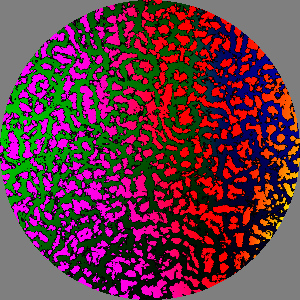
I rescued this very cool texture from a run that
crashed. I ran into the same problem using the
Gamma
operator with GP. The exponentiation is well behaved for pixel values in
the normal [0,1] range but produces NaNs for negative values and can
produce INFs for large values. In both cases I took the simple, if
heavy-handed, approach of clipping each pixel's RGB values to the
positive unit cube before exponentiation.
This texture was the best of run at generation 42 with a fitness of 0.83
when it hit the error. The second parameter to the outermost
ExpAbsDiff
(see code below) produces the mottled pattern (it looks a bit like the
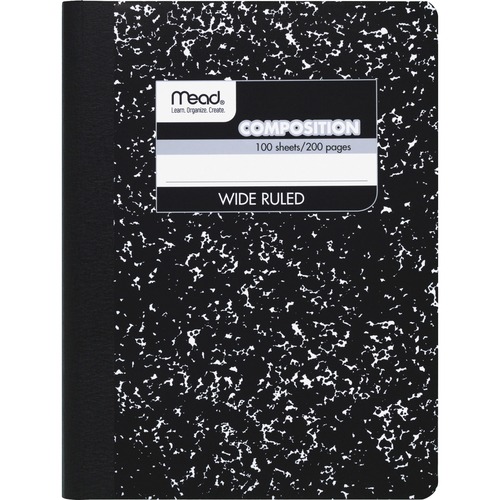
“composition book cover” of
Mar. 28), and the
third parameter is just a gradation from green to to cyan to dark blue.
From those elements the
ExpAbsDiff
produces this
'60s Fillmore
poster color style.
// coc20091129h -- mottled blobs of one color transition over another
ExpAbsDiff (6.15328,
            EdgeEnhance (0.0296748, 6.04062,
                         EdgeEnhance (0.0296748, 6.04062,
                                      Turbulence (0.292052, Vec2 (-1.52492, -0.617385)))),
            Multiply (ColorNoise (1.6958, Vec2 (-1.52492, -0.603703)),
                      Blur (0.0359943,
                            Blur (0.0359943,
                                  HueOnly (ExpAbsDiff (6.15328,
                                                       Blur (0.0359943,
                                                             ColorNoise (1.6958, Vec2 (-1.52492, -0.615891))),
                                                       Multiply (ColorNoise (1.6958, Vec2 (-1.52492, -0.603703)),
                                                                 Gamma (4.41839,
                                                                        ColorNoise (1.6958,
                                                                                    Vec2 (-2.8845, -0.137089))))))))))
GP Gaussians: good news, bad news, good news
November 29, 2009
The good news is that I extended the GP function set
to include the three texture operators based on Gaussian filters:
Blur
(
Aug. 14),
EdgeDetect
and
EdgeEnhance (
Aug.
24). The bad news is that these operators are an order of
magnitude or two slower than most of the other operators. (Fractal noise
is the next slowest type, roughly 10 times faster.) They result in very
slow GP runs, hours instead of minutes. While I did my best to find some
evolved textures featuring these operators, I may leave them out of
future runs. The other good news is that I noticed I had broken my
recent fix to the memory leak, now replugged and stress tested. I found
and fixed an unrelated leak in
EdgeEnhance.
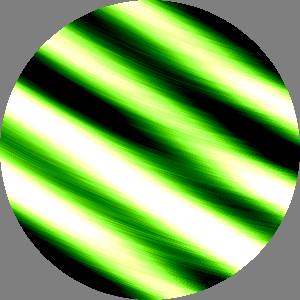
Here an
EdgeEnhance modifies
Furbulence,
inside a
Twist, producing the
arc-shaped green streaks. Perhaps the high frequency “ringing”
along those streaks correspond to the Gaussian kernel size (0.02 ≈ 6
pixels)?
// coc20091128a -- irregular bars with ringing arc-shaped green streaks
Subtract (Tint (Gray (1.81729),
                Twist (2.42196, Vec2 (0.649625, 2.89499),
                       EdgeEnhance (0.0237886, 6.21132,
                                    Furbulence (3.43298, Vec2 (2.98064, -0.901972))))),
          Subtract (Tint (Gray (1.81729), SineGrating (26.1235, 3.7236)),
                    Gradation (Vec2 (0.649625, 2.73791),
                               Pixel (0.335664, 0.834494, 0.00240446),
                               Vec2 (0.41379, 2.89499),
                               Pixel (0.335664, 0.834494, 0.00240446))))
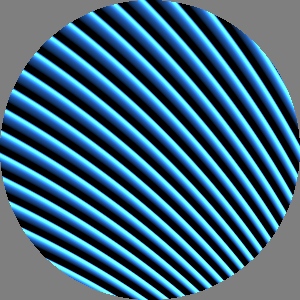
In this texture
EdgeEnhance
modifies triangle waves (curved by
Wrap,
see code below) to produce a “bright bump” and “negative then clipped to
black stripe.”
As mentioned on
August 19, I added a hack to
the 1d utility
GaussianBlurX
to basically ignore filter sizes greater than 0.25 by simply returning
the average pixel value of the input texture (as if the filter size was
infinite). The goal was to prevent evolution from supplying a huge
filter size that would take much too long to compute. Upon reflection I
decided I did not like that approach and removed it. The source code
might suggest that a
Blur was
being computed with a filter size of 0.5, but it would be silently
reinterpreted. If this invisible max size parameter was ever changed,
old programs would produce different results. Instead I added yet
another kind of GP ephemeral constant for specifying the size of
Gaussian kernels. I limit the range of values it can take during
evolution
(currently [0.011, 0.05]) rather than make ad
hoc adjustments once a too-large value is passed into the operator.
// coc20091129a -- edge enhanced wrapped triangle waves
Tint (Pixel (0.183097, 0.50817, 0.966571),
      EdgeEnhance (0.0247835, 5.38926,
                   Wrap (2.07002, 4.42434,
                         Vec2 (0.825071, -1.40845),
                         TriangleWaveGrating (36.499, 0.799096, 0.550199))))
Max, Min and Mirror in GP
November 26, 2009

I added
Mirror
(
July 18) plus
Max
and
Min (
July
19) to the GP function set. I was having a hard time finding a
test GP run that illustrated these operators. So in addition to biasing
fitness toward these three operators, I also removed the grating
generators and got more interesting results.
This very cool pattern reminded me a bit of “Bozo's donut” from [Perlin
1985]. The blobby transparent white shape is probably
Max
acting as a threshold on
Noise.
(Something like
blobs in
my
August 24 post.) The background is
ColorNoise.
The wispy curved pattern must be formed by the 6 calls to
Twist
in the large (size 287) evolved program. It also includes 12 calls to
Mirror
(of which I can see no visible evidence) and 16 calls to
Max.
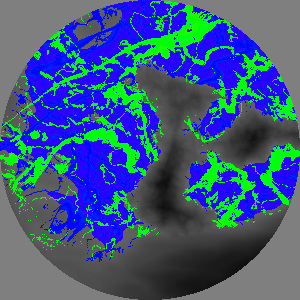
This texture also contains calls to Mirror
that produce no apparent result. Min
is used to threshold the dark gray noise texture into the blue, green
and purple patterns.
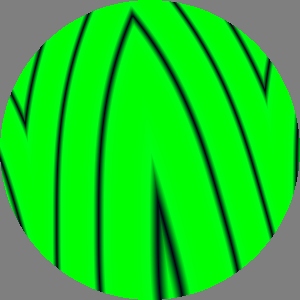
This is the only example I saw where the effect of
Mirror
is obvious. There is a roughly vertical line of reflection passing very
close to the origin (see the outermost call to
Mirror
in the evolved code below). There are two other fold lines arranged
symmetrically to the right and left of the main fold. So I suspect we
are seeing the result of two nested calls to
Mirror.
The program actually contains four calls to
Mirror,
three have identical angles and three have identical centers. Those
curved black “lines” appear to be
level
sets of the
Noise
function.
// coc20091126b -- mirrored black curved lines on green
Mirror (-0.137124, Vec2 (0.00175132, -0.00273174),
        Tint (Pixel (0.918163, 0.998836, 0.0841015),
              BrightnessToHue
                  (Gamma (2.60127,
                          BrightnessToHue
                              (Mirror (-0.13362, Vec2 (0.00175132, -0.00273174),
                                       Mirror (-0.137124, Vec2 (0.427678, -0.137124),
                                               Mirror (0.159892, Vec2 (0.00175132, -0.00273174),
                                                       BrightnessToHue
                                                           (BrightnessToHue
                                                               (Gamma (2.57371,
                                                                       BrightnessToHue
                                                                           (Noise (4.69424,
                                                                                   Vec2 (0.427678, -0.137124))))))))))))))
Adjusting brightness, saturation and hue in GP
November 25, 2009

I added
Gamma
(
July 7),
AdjustSaturation
(
July 16) and
AdjustHue
(
July 17) to the set of functions used by GP to
evolve textures. The texture to the left uses
AdjustSaturation
and the curvy edges come from
Wrapulence
which was added to the set yesterday.
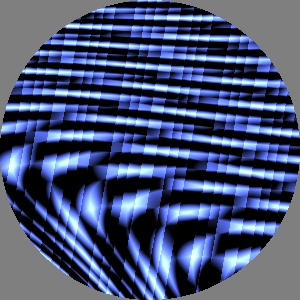
This evolved texture combines some triangle and sine
gratings with AdjustSaturation,
VortexSpot and BrightnessWrap.
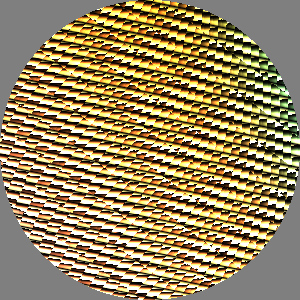
This has an interesting look, as if it were a
cut
paper construction (
see)
with lots of little paper flaps each casting a soft shadow. The
irregularity of the grid is also cool. Note in the code below that
inside the
Gamma there is an
Array
of the product of
VortexSpot
and
Twist. The
VortexSpot
operates on another
Array of a
TriangleWaveGrating.
// coc20091124e -- yellow "cut paper construction"
Multiply (Gamma (1.80957,
                 Array (Vec2 (-1.85723, 1.37489),
                        Vec2 (-0.06757, 0.166059),
                        Multiply (VortexSpot (2.42049, 2.30038,
                                              Vec2 (0.44465, 1.69864),
                                              Array (Vec2 (0.0913006, -2.168),
                                                     Vec2 (-0.06757, 2.31276),
                                                     TriangleWaveGrating (163.345, 0.980238, 2.91205))),
                                  Twist (2.20778, Vec2 (-1.12413, -1.45564),
                                         Tint (Gray (2.41503),
                                               ColorNoise (2.28193, Vec2 (0.00296707, -2.23223))))))),
          Multiply (Tint (Gray (2.57423),
                          TriangleWaveGrating (169.038, 0.657956, 3.337)),
                    Gradation (Vec2 (0.940063, 0.900727), Pixel (0.889256, 0.79022, 0.226771),
                               Vec2 (0.0913006, -2.168), Gray (2.57423))))
GP support for the 1d texture operators
November 23, 2009
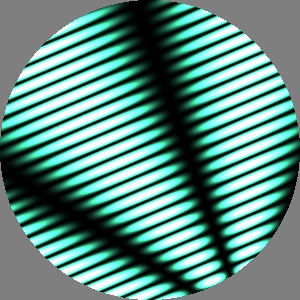
The
July 4 entry describes
defining 1d textures as the y=0 “slice” of a 2d texture. It shows
examples of using these 1d textures to construct gratings, radial
patterns, nonlinear shears and colorizations. I connected these
operators (
SliceGrating,
SliceToRadial,
SliceShear and
Colorize)
to the GP function set after adding a missing
angle
parameter to
SliceGrating and
a
center parameter to
SliceToRadial.
I also belatedly added the
Wrapulence
generator to the GP function set.
This first image shows a spoked pattern based on
SliceToRadial.
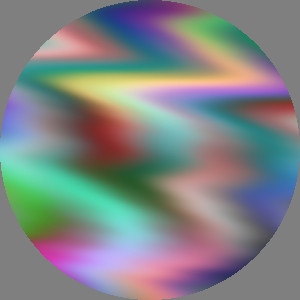
It is a little hard to tell by looking at the huge
evolved program (size 329) but this seems to be a SliceShear
applied to ColorNoise, perhaps
using Noise as the shearing
profile.
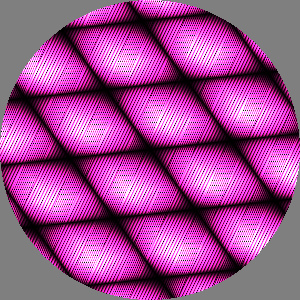
It is hard for me not to interpret this as a 3d
rendering of textured surface with a soft highlight -- like a molded
plastic surface, or quilted textured satin. It seems to be mostly the
product of several TriangleWaveGrating,
see code below. The role of the SliceShear
is hard to fathom but may provide the high frequency detail overlaid on
the lozenge pattern.
// coc20091123f -- pink textured bumps
Multiply (Gradation (Vec2 (-3.08321, -2.57112), Gray (3.14785), Vec2 (2.69166, -0.34243), Gray (3.03289)),
          Multiply (TriangleWaveGrating (26.9361, 0.383393, 0.932858),
                    Multiply (Tint (Gray (2.81785),
                                    TriangleWaveGrating (29.3164, 0.383393, 6.17656)),
                              Tint (Pixel (0.766134, 0.272602, 0.617417),
                                    Tint (Gray (3.03289),
                                          Tint (Pixel (0.722761, 0.272602, 0.617417),
                                                SliceShear (-2.60991, 1.95581, 1.98506,
                                                            Vec2 (2.69166, -0.34243),
                                                            TriangleWaveGrating (26.9361, 0.383393, 0.932858),
                                                            TriangleWaveGrating (29.3164, 0.383393, 5.9962))))))))
Array, BrightnessToHue, BrightnessWrap in GP
November 22, 2009
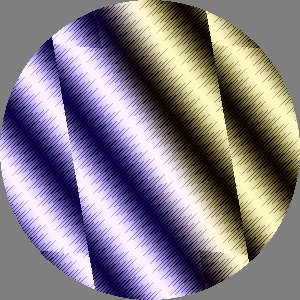
The top two textures feature the
Array
operator (
Apr. 26) evolved, like other recent
results, with
GrayTheHardWay
and a bias for including a given operator in the genetic program. This
first image has a nice “pen and ink” style of “shading”.
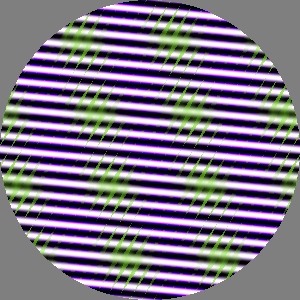
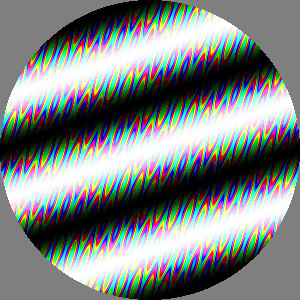
Here I again used a bias to include a call to Array
but only a single call was allowed. That led to this simple
parallelogram tiling of texture space.
This texture shows the effect of a call to
BrightnessToHue
(
June 8). Evolving programs with this operator
also found another bug in the RGB↔HSV conversion routines related to hue
wrap around.
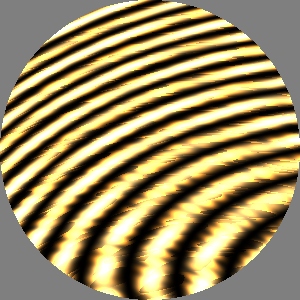
The large swirls come from VortexSpot,
the scratchy patterns on top of it are apparently the result of BrightnessWrap.
Karl Sims noted that evolutionary computation is very good at finding
bugs. I have certainly been having that experience. One of my first runs
with BrightnessWrap showed
that it failed when the two brightness thresholds are equal (leading to
a division by zero and NaN). Not the sort of thing a human programmer
would ever do, but evolved programs don't know what makes sense and what
does not.
I also added a new constructor called Gray
based on Pixel::gray which (unlike the existing Pixel
constructor) permits values larger than 1, allowing Tint
to scale up brightness.
Note that at least for the time being I decided to leave these
texture operators out of the GP function set: ExperimentalRandomStamper
(too slow for now); ExperimentalDensitySlicer,
DensitySliceTenRamps and DensitySliceTenSteps
(replaced by Colorize) CacheTest
and ExperimentalTextureToWaveform
(intended only for testing).
SoftThreshold, Twist and VortexSpot now in GP
November 20, 2009
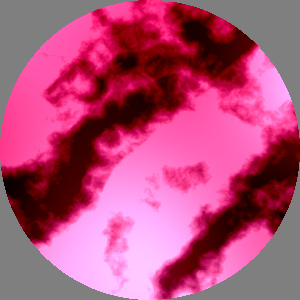
I continue to work through the library of texture
synthesis operators, cleaning up and interfacing them to genetic
programming plus watching the test GP runs for cool results. I continue
to use the fitness bias to test each new operator.
This texture shows
SoftThreshold
(
Mar. 28) applied to
Furbulence
(
May 18) noise. Indeed it appears to be “sliced
off” with a bright top, a dark bottom, and fractal swirls in between.
(Note: for now I decided
against adding RemapContrast
and AutomaticExposure to the
GP interface. They were early experiments and overlap with SoftThreshold
and Gamma.)
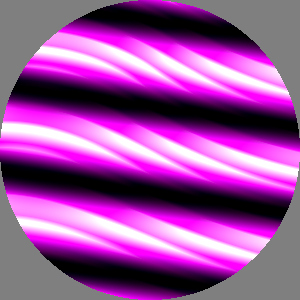
This lovely pattern is based on
Twist
(
Apr. 3). I first assumed it also used
Row
but that operator does not appear in its genetic program (below). In
fact the “rows” seem to be subtly different.
// coc20091120a -- "rows" of magenta swirls made with Twist
Subtract (Add (SineGrating (22.1262, 3.28543),
               SineGrating (22.1262, 3.28543)),
          Tint (Pixel (0.107084, 0.824255, 0.0604564),
                Twist (0.497524,
                       Vec2 (0.0176352, 0.298148),
                       Add (Twist (0.411332,
                                   Vec2 (0.0176352, -2.94306),
                                   Rotate (3.11221, Vec2 (0.0176352, -2.94306),
                                           TriangleWaveGrating (59.8382, 0.758788, 2.70904))),
                            UniformColor (Pixel (0.107084, 0.888559, 0.00960653))))))
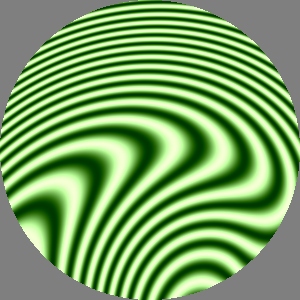
This texture clearly shows its nested calls to
VortexSpot
(
Apr. 3) operating on a tinted
SineGrating.
// coc20091120c -- green nested vortices
Subtract (Add (VortexSpot (-1.65995, 5.71535, Vec2 (0.284611, -0.385227),
                           HueOnly (Add (Gradation (Vec2 (-1.72737, 3.04276),Pixel (0.603485, 0.78617, 0.173666),
                                                    Vec2 (0.284611, -0.385227),Pixel (0.603485, 0.793609, 0.173666)),
                                         VortexSpot (-1.65995, 5.71535, Vec2 (0.284611, -0.385227),
                                                     HueOnly (Add (Gradation (Vec2 (-1.72737, 2.92979),
                                                                              Pixel (0.594164, 0.793609, 0.173666),
                                                                              Vec2 (-1.33214, 2.43265),
                                                                              Pixel (0.631017, 0.825947, 0.173493)),
                                                                   VortexSpot (-1.42391, 6.04581,
                                                                               Vec2 (0.383372, -0.385227),
                                                                               SineGrating (76.6329, 4.81461)))))))),
               VortexSpot (-1.42391, 6.04581, Vec2 (0.284611, -0.385227), SineGrating (76.6329, 4.81461))),
          UniformColor (Pixel (0.736725, 0.783351, 0.16919)))
Wrap, Ring, HueOnly and NaN
November 19, 2009
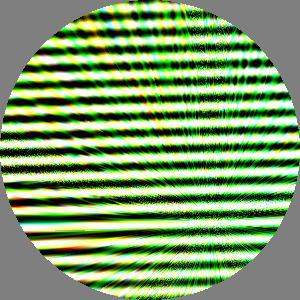
Adding new operators to the GP function set has been
slow due to lingering issues in the slap dash implementation of the
texture synthesis library. While
Wrap
had a
center parameter since
it was written
(Feb. 6) it was being ignored. I
fixed that and tried adding a “bias” in the fitness metric to favor
programs containing a given operator, to help create a texture to
illustrate its effect. This was only marginally successful.
The texture to the left shows ray-like features converging on a spot in
the lower right. This appears to be formed by nested calls to
Wrap
in the evolved program.
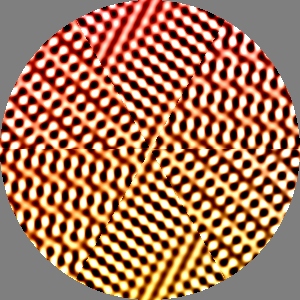
I added
Ring
(
Mar. 19) to the GP function set and gave it a
center
parameter. For both
Wrap and
Ring
I made the sector count round instead of floor (a parameter of 5.9
produces 6 sectors not 5).
This texture was supposed to be a demo of Ring, and indeed there is a
6-fold division of the image. But instead of 6 copies of the same
“pie slice” there seem to be 3 different patterns, each appearing twice
on opposite side of the center point. Also odd is that the center of
“rotation” is really close to the origin. Yet none of the
Rings
in the source code specify a center near there.
GP's evolved programs are often hard to understand. My application to
texture synthesis is fortunate to have an alternate representation that
is easily understood by our visual perception.
// coc20091118g -- six-fold black and brown pattern above
Add (Subtract (Subtract (ColorNoise (3.63764, Vec2 (-1.43951, -3.11809)),
                         ColorNoise (5.51281, Vec2 (2.59751, -1.10615))),
               Subtract (SineGrating (145.714, 0.704762),
                         Ring (5.95409, Vec2 (-1.43951, -3.11809),
                               Ring (5.92754, Vec2 (2.59751, -1.10615),
                                     Subtract (ColorNoise (3.37386, Vec2 (-1.43951, -3.04099)),
                                               Subtract (Subtract (SineGrating (153.042, 5.17587),
                                                                   SineGrating (148.731, 0.582571)),
                                                         Ring (6.23521, Vec2 (-1.10615, -1.53761),
                                                               Subtract (SineGrating (151.743, 5.17587),
                                                                         ColorNoise (3.63764, Vec2 (-1.43951, -1.98898)))))))))),
     SineGrating (153.042, 5.17587))

Adding
HueOnly
(Mar. 23) seemed simple, its only
parameter is the input texture. Shortly into the first test run I got an
error in the RGB↔HSV conversion routines. It turned out to be caused by
the dreaded
NaN, usually
the result of a divide by zero. The color space transformation were not
at fault, they were just one of the few places in my code that did not
silently ignore such results. Using
HueOnly
as a detector, I was able to track down three different bugs in my code.
I fixed a divide by zero in
Gradation
when the two “vertices” were coincident, which can easily happen as a
result of GP crossover. There was an issue in the
Noise
generators for a scale of zero which was really a bug in the
SmallPosFloat
type. Finally the NaNs lead me to a bug in
Ring
due to a misplaced “&”. The saturated cyan and red patches in this
texture are apparently produced by
HueOnly.
Fixing leaks and mismatch
November 17, 2009
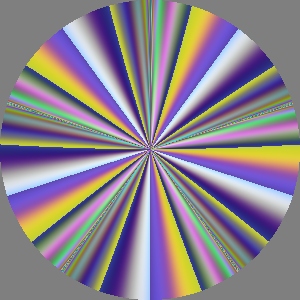
On
November 12 I described
a mismatch between a synthesized texture and the numeric constants in
the printed version of the same evolved program. I found the problem
went away when I turned off my new “jiggle mutations.” I had failed to
understand that Open Beagle's representation of GP trees make extensive
use of sharing. I had been mutating shared constants in place, causing
unintended side effects. Prof. Gagné suggested I clone the constant,
link the new one into the tree, then jiggle it.
The image to the left is the best of a run where the population
converged on programs containing several nested invocations of the
Wrap
operator.
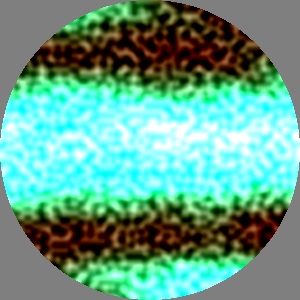
I plugged the “memory leak” where Texture
objects created during each fitness test were not being deleted. My
first quick and dirty fix managed to reclaim 97% of the objects (according
to
counters I put into the base class). I might have left it at
that but got to worrying about the 3% causing a problem at a very bad
time. So did the Right Thing and improved the code to reclaim 100% of
allocated Textures. I also
fixed CachedTexture to
allocate pixel arrays only when caching is enabled and StretchSpot
to allocate its look-up table only when needed.
Its hard to tell but this texture's evolved program contains several StretchSpot
operators. I was fiddling with the function set to try to get a more
obvious example of StretchSpot
but it refused to show itself.
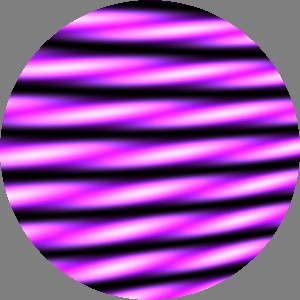
An interesting pattern based on several RadialGrads.
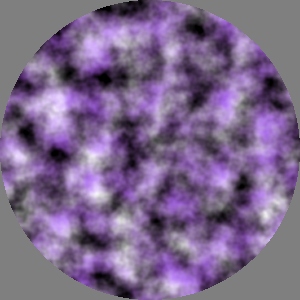
White
and purple
Brownian layers made
with
SoftMatte.
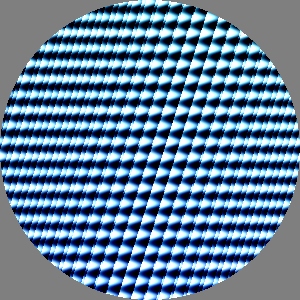
A combination of gratings produce the basic sheared
grid near the center. What caught my eye was the aperiodic squeezing of
the texture on the left and right. The evolved program contained several
calls to Translate and one to
Row.
Adding more texture operators to STGP set
November 12, 2009
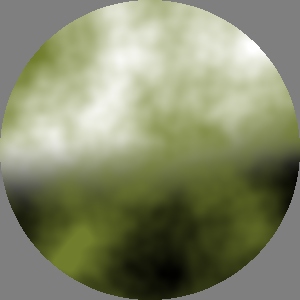
I really like this first texture. I had just added
SoftMatte
to the set of functions used in evolution. I turned off the gratings to
look for other kinds of patterns. This looks like a green pattern was
composited
over a monochrome background pattern. When I looked at the evolved
program, that was exactly what it was, see the code box below.
But as I typed this post, I noticed the code does not match the image!
For example, the RGBs of the
Pixel
parameter to
UniformColor
indicate a desaturated magenta, not the pea green seen in this image.
Similarly while the image shows a portion of a
SoftEdgeSpot,
it is not the same portion I see when I feed this evolved code back into
my texture renderer. Could there be a problem with the printing of
evolved programs? Specifically a problem printing the numbers?
// coc20091111b -- Brownian clouds over a large SoftEdgeSpot
SoftMatte (Brownian (0.56191, Vec2 (-1.25605, 2.11111)),
           UniformColor (Pixel (0.562399, 0.34044, 0.504399)),
           SoftEdgeSpot (1.64468, 3.00466, Vec2 (-1.25605, 2.11111)))
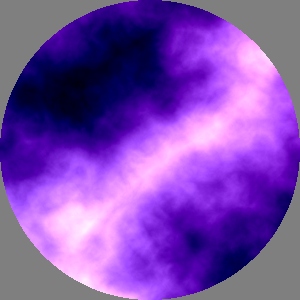
In addition to the functions mentioned in the
November
8 post, these new texture operators have been added to the STGP
function set:
SoftMatte,
Scale,
Translate,
Rotate,
Row,
Invert,
Tint,
StretchSpot
and
Wrap. These are all
described in earlier posts in this diary. The stand-in fitness function
GrayTheHardWay only looks at
pixels in isolation. Texture operators that just move pixels around
(like
Translate) tend to have
little effect on fitness. So they don't get amplified by evolution and
may be discarded by mutations. On the other hand
SoftMatte,
Invert and
Tint,
do change pixel values and so appear more frequently in the “best of
run” individuals. One such best program retained a
Rotate
of
ColorNoise, probably an
accidental “hitchhiker,” the
ColorNoise
was helpful, the Rotate didn't hurt and came along for the ride.
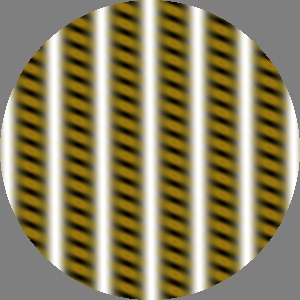
An
example with
SoftMatte and some
SineGratings.
Other recent changes: I decided to remove the now prehistoric
Monochrome
operator (
November 28) since the
AdjustSaturation
operator (
July 16) now subsumes that
functionality. I added a
center
parameter to both
Rotate and
RadialGrad.
They had previously defaulted to the origin. See discussion on
March
29 about why explicit parameters seem better than nested
transformations in the context of genetic programming.
I have also been reminded that I have a “memory leak” in my Open Beagle GP
fitness function. That needs to be fixed.
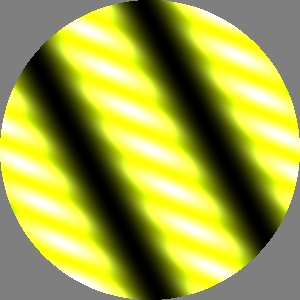
Nothing technically interesting here, I just liked
this “glowing shiny yellow rope” pattern.
Avoiding midrange pixels
November 9, 2009
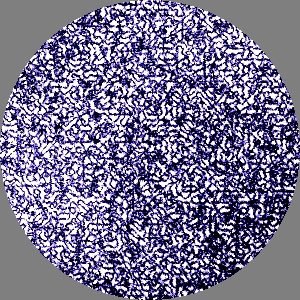
GrayTheHardWay,
my stand-in fitness function, has an strong preference for gratings. I
tried adding a penalty for pixels with midrange brightness to see if it
helped. It didn't. Mostly what evolved where combination of gratings
arranged to produce high contrast patterns containing bright or dark
pixels with few midrange pixels.
I had to remove the gratings form the STGP function set to get other
kinds of results, like this top image. Several noise patterns are
transformed to produce dark blue lines on a white background.
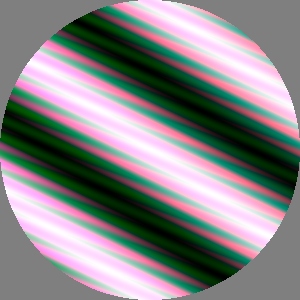
The other textures are the more typical results, ranging from simple
tinted SineGratings to more
interesting combinations like these:

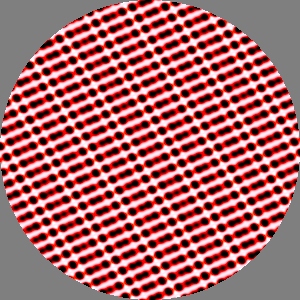
// coc20091109f -- evolved code for "black spots on red spots on white"
Subtract (Add (UniformColor (Pixel (0.513956, 0.572782, 0.355166)),
               UniformColor (Pixel (0.963484, 0.382174, 0.87067))),
          Add (Subtract (UniformColor (Pixel (0.513956, 0.572782, 0.861566)),
                         UniformColor (Pixel (0.650672, 0.701417, 0.614527))),
               Multiply (Add (Subtract (Add (Add (Subtract (SineGrating (173.7, 1.49421),
                                                            SineGrating (102.063, 0.681468)),
                                                  Multiply (Add (UniformColor (Pixel (0.382174, 0.6852, 0.870534)),
                                                                 Add (UniformColor (Pixel (0.513956, 0.572782, 0.355166)),
                                                                      UniformColor (Pixel (0.513956, 0.572782, 0.861566)))),
                                                            SineGrating (122.196, 2.56581))),
                                             Add (Subtract (UniformColor (Pixel (0.513956, 0.572782, 0.861566)),
                                                            UniformColor (Pixel (0.963484, 0.382174, 0.87067))),
                                                  SineGrating (173.7, 1.49421))),
                                        SineGrating (102.063, 0.681468)),
                              UniformColor (Pixel (0.650672, 0.701417, 0.614527))),
                         SineGrating (122.196, 2.56581))))
New generators in GP function set
November 8, 2009
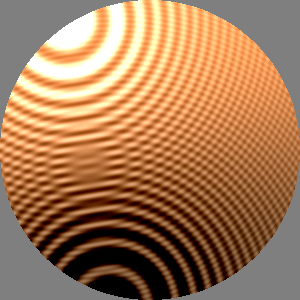
I have added most of the texture generators
previously defined in this library to the genetic programming function
set specified in
Open Beagle.
The generators now include:
UniformColor,
SoftEdgeSpot,
Gradation,
RingedSpot,
SineGrating,
SawtoothGrating,
SquareWaveGrating,
TriangleWaveGrating,
SoftEdgedSquareWaveGrating,
RadialGrad,
Noise,
Brownian,
Turbulence,
Furbulence and
ColorNoise.
The textures in today's post were made with the same small set of
texture operators:
Add,
Subtract
and
Multiply.
After I added
RingedSpot (see
Dec. 4) this texture was discovered by
GrayTheHardWay (see
Nov.
4). I decided that
RingedSpot
was too visually distinct and removed it. I think rotational patterns
based on “1d textures” are a better approach (see
July
4).
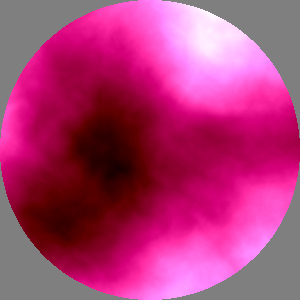
A dark red
Brownian brightened by Noise
to produce the pink and white highlights.
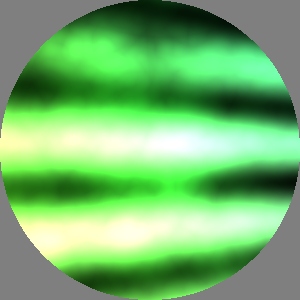
A mixture of SineGrating,
RadialGrad and several types of
noise.
As soon as I introduced these generators I started getting results that
were just a single instance of one or the other. Basically they provide
exactly the sort of texture that GrayTheHardWay
is looking for. A slight evolutionary pressure to reduce evolved program
size would soon optimize down to a single bare generator. I got around
that by adding another criterion to the fitness function, requiring that
a texture have at least 10% average saturation. A monochrome grad has
zero saturation so can't compete. As a result I started getting lots of
pale, pastel, 10% saturation gratings. We must choose which battles to
fight, so I decided that was good enough.
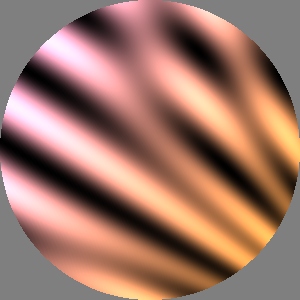
This is some combination of RadialGrad
and SineGrating.
The five grating generators presented a problem. I realized that the
typical usages in this diary have frequency
parameters up to 200. This is outside the range of my existing types of
STGP ephemeral constants. I considered changing the parameterization of
the gratings from frequency to
wavelength. In the end I
decided to introduce a new class of BigPosFloat
values.
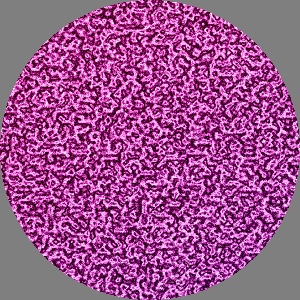
This is Furbulence noise combined with some
Gradations to produce this texture. To me it looks like a dyed anodized
finish on textured aluminum.
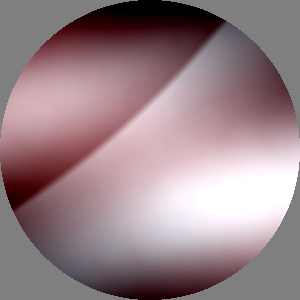
This was pretty surprising! That curved diagonal
edge is apparently a large SoftEdgeSpot.
The bar “behind” it is probably a SineGrating.
Then the whole thing is softly tinted. Who knew?
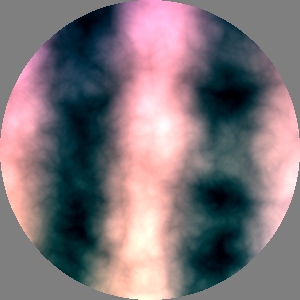
This combines SineGrating
creating the vertical bars and Turbulence
providing the smaller swirls. The light areas are pink and darks are
cyan. See evolved code below.
Next on the agenda is the rest of the texture operators described below.
I turned off the “parsimony pressure” mentioned above that favors
smaller evolved programs. (Its called a shrink mutation in Open Beagle.)
In fact for this stage I would be happier to have larger programs which
I expect to produce more complex images. I have had some trouble
initializing the evolutionary population with larger programs in Open
Beagle. I will be looking into that.
// coc20091107d
Multiply (Add (ColorNoise (2.64887, Vec2 (1.09611, 2.41177)),
               UniformColor (Pixel (0.484014, 0.152003, 0.0768818))),
          Add (SineGrating (0.493139, 4.79085),
               Subtract (Multiply (Gradation (Vec2 (0.935534, 2.35055),
                                              Pixel (0.484014, 0.152003, 0.0768818),
                                              Vec2 (2.35055, 1.62926),
                                              Pixel (0.153538, 0.250275, 0.653235)),
                                   SineGrating (0.493139, 4.79085)),
                         Subtract (UniformColor (Pixel (0.484014, 0.152003, 0.0768818)),
                                   Turbulence (0.198022, Vec2 (2.35055, 1.62926))))))
Ephemeral constants and jiggle mutation
November 4, 2009
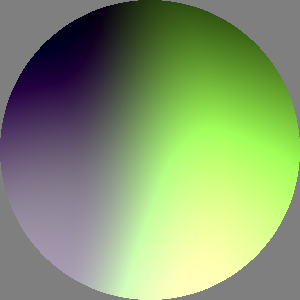
Again I've been toiling in the trenches of genetic
programming with images generated only as a by-product. Today some
progress reports and a few images made during GP testing.
Recent work focused on getting my GP “ephemeral constants” and their
mutation to work correctly within the
Open
Beagle framework. These “ephemeral constants” correspond to the
numbers in the code fragments in this document. I continued to receive a
lot of helpful and timely advice from Professor
Christian
Gagné.
(By the way these discussions are archived on Open Beagle's forum,
for example: this.)
I defined three types of floating point values for
my strongly typed genetic programming: Fraction
with values on the interval [0,1], SmallFloat
on [-π,π] and SmallPosFloat
on [0,2π].
Open Beagle provides a mechanism for choosing initial random values for
these ephemeral constants, and for occasionally replacing them with new
random values as a form of mutation during the evolutionary computation.
I extended that mechanism to mutate these values “incrementally” -- to
replace them with nearby values -- which is sometimes called “constant
jiggling”.
This turned out to be the most challenging part of connecting Open
Beagle to my library. The rest of the interface was surprisingly easy.
For the most part it Just Worked.
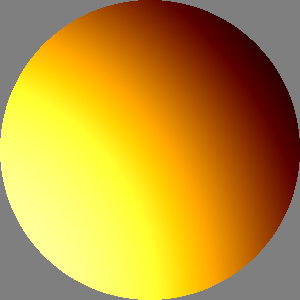
// coc20091026c -- evolved code for yellow-orange texture above
Add (Subtract (Multiply (UniformColor (Pixel (0.0743597, 0.71178, 0.14506)),
                         UniformColor (Pixel (0.72951, 0.0934074, 0.305996))),
               Add (UniformColor (Pixel (0.82025, 0.36801, 0.2939)),
                    UniformColor (Pixel (0.30592, 0.0375148, 0.81569)))),
     Add (Add (SoftEdgeSpot (0.32795, 1.76537, Vec2 (-0.7325, -0.491798)),
               SoftEdgeSpot (0.158763, 1.84967, Vec2 (-0.7325, -0.51546))),
          Multiply (UniformColor (Pixel (0.14023, 0.12566, 0.71178)),
                    Subtract (UniformColor (Pixel (0.0743597, 0.71178, 0.28708)),
                              UniformColor (Pixel (0.30592, 0.0375148, 0.82953))))))
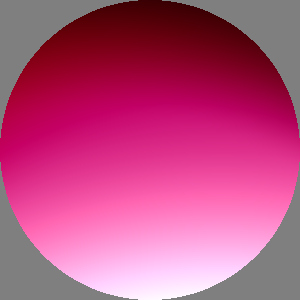
As before these textures were evolved using
GrayTheHardWay
and a small set of two generators, three operators, two constructors,
and numbers. The fitness function was modified since the previous post
to require a nearly flat histogram of pixel brightness. That is: nearly
the same number of pixels in the brightest bucket as in the middle
bucket as in the darkest bucket. In these examples, a texture gets a
“point” for each histogram bucket that is 95% full. Since then I changed
it again to give “partial credit” for partially full buckets.
I reverted the change mentioned on
October 23
regarding taking the absolute value of some evolved parameters. This was
solved by the
SmallPosFloat
type.
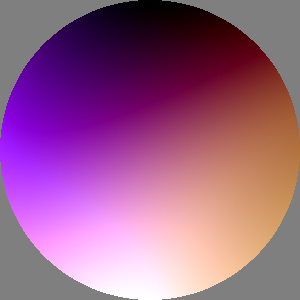
I think this texture was made after I added Gradation
to the list of generators used in evolution. It contains three distinct
hues in addition to clearly ranging from black to white. Its fitness is
nearly perfect: 0.991926
The next step is to work through this texture synthesis library writing
the short bit of “glue code” needed to add each element to the GP
function set.
Evolved textures: “gray the hard way”
October 23, 2009
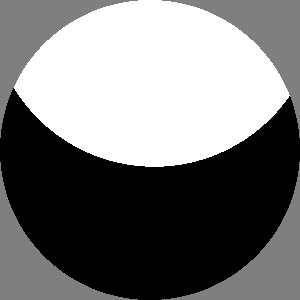
This is the first batch of test images from
evolution runs using a small subset of the texture synthesis and a
simple prototype fitness function I call GrayTheHardWay.
Its goal is a texture whose average brightness is about 50% but which is
composed of mostly non-midrange pixels. This top image is a simplistic,
visually stark, solution discovered in early testing.
As I tinkered with the fitness function I replaced the “non-midrange
pixels" criteria with one requiring “no large areas of flat unchanging
pixel values” which produced the other five more visually interesting
textures below.
They may now be “too midrange” so I will try adding another criteria
that scores higher for images having a wider distribution of brightness
values.
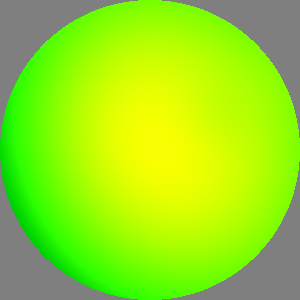
The GP function set used here consists of the
generators UniformColor and SoftEdgeSpot,
the operators Add, Subtract
and Multiply, constructors for
Pixel and Vec2,
plus numerical constants. The numbers were of type Fraction
randomized on [0,1]. Thats fine for RGB components. But when used for Vec2
positions they all end up in the first (upper right) quadrant. As a
result these look a bit like shaded spheres (planets?) with highlights
in that corner.
I tried fixing this with two different types of “ephemeral constants”
but that seemed to confuse Open Beagle, probably because they were both
based on the same underlying C type. I'm looking into that.
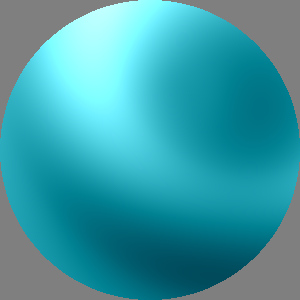
I made some minor tweaks to the library during this
work:
(1) added
center parameter for
SoftEdgeSpot as discussed on
March
29.
(2) some of the existing code assumed positive values for certain
parameters (e.g. for a radius), rather than add yet another numeric type
for small positive values I changed the code to take the absolute value
of the evolved parameter. (So far changed generators
SoftEdgeSpot
and
SoftEdgeBar. Likewise
these routines already “sort” their first two parameters to be in the
correct order.)
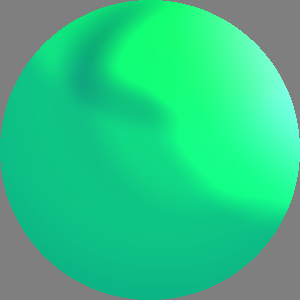
(The phrase “gray the hard way” just popped
into my head as I was writing the code. I'm pretty sure it goes back
to a joke in a cartoon I saw as a kid in the 1960s where someone brags
they can skate so well they can “do a figure 8 the hard way: two 4s!”
When I Googled it today it looks like the joke goes back at least to Milton
Berle
on the radio in January 1948.)
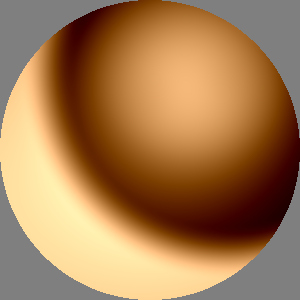
I picked the texture with the smallest evolved
program to reformat and display here:
// coc20091023b -- evolved code for brown texture above
Add (Add (SoftEdgeSpot (0.87495, 0.0574257, Vec2 (0.00256992, 0.179738)),
          Add (SoftEdgeSpot (0.350079, 0.598863, Vec2 (0.674037, 0.835846)),
               UniformColor (Pixel (0.990439, 0.751919, 0.500734)))),
     Subtract (Subtract (SoftEdgeSpot (0.87495, 0.0574257, Vec2 (0.239699, 0.235976)),
                         SoftEdgeSpot (0.941648, 0.339242, Vec2 (0.146319, 0.313731))),
               SoftEdgeSpot (0.487757, 0.6734, Vec2 (0.239699, 0.235976))));
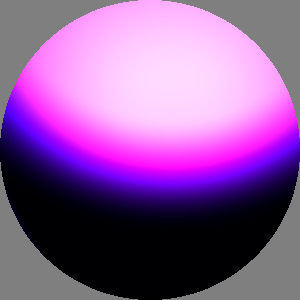
In the interest of full disclosure I should point out that these 6
images were hand picked for visual interest from 15-20 evolution runs.
The GP runs used a population of 100 in 5 demes of 20 individuals, with
steady-state reproduction, for 100 generations. They took roughly 1 to 5
minutes to run on my laptop.
Evolution of texture with Open Beagle
October 16, 2009
In case anyone has been checking this page regularly, I apologize for
the lack of posts over the last month. I have been learning about and
experimenting with the excellent
Open
Beagle library for evolutionary computation. After a long period
as a confused newbie, I have finally performed test evolutions of
procedural textures using a subset of my library and a simple fitness
function. I was guided through this process with a lot of helpful,
patient advice from Open Beagle's principle author Professor
Christian
Gagné at Université Laval in Quebec, and from another experienced
Open Beagle user, Sergiy Dubovik of Helsinki.
Thus far the evolved textures are uninteresting (imagine a middle gray
circle on a middle gray background) so no picture with today's post. The
subset of my texture synthesis library that is “known” to Open Beagle
consists only of the generators
UniformColor
and
SoftEdgeSpot, the operator
Add, constructors for
Pixel
and
Vec2, plus numerical
constants. This subset was intended merely to test the operation of the
type matching required in my application. Open Beagle provides support
for many styles of
evolutionary
computation. I am using
genetic
programming, particularly
strongly
typed genetic programming (“STGP”, which allows for mixtures of
types like
Texture,
Pixel,
Vec2 and numbers) using a
steady state population (where individuals are replaced one by one
rather than as synchronized “generations”).
A small bit of programming is needed to make each texture synthesis
generator or operator known to Open Beagle. So it will take a little
time to include each of the 60 (!) types that have been defined in this
library. I will use this opportunity to review the library: some
operators will be removed, some arguments will be changed (like adding a
center parameter for
SoftEdgeSpot
as discussed on
March 29). I will also be
refining the numeric types and the way they are mutated during
evolutionary computation.
Difference squared
September 12, 2009
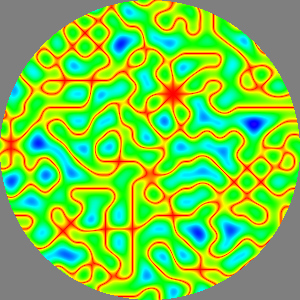
Related to the roundness metric mentioned yesterday:
an operator to take the square of the difference between two textures.
This “difference squared” is a widely used mathematical tool to measure
similarity, often by integrating difference squared over a range. Larger
results mean less similarity. Squaring serves two purposes, it makes all
differences positive and emphasizes larger differences. Although in the
context of this texture synthesis library, values are normally on the
range [0, 1] so differences are normally on the same range. Squaring
such fractional differences makes them smaller. Possibly it would be
better to take the absolute value of the difference? Or perhaps in
either case the result should be adjusted by an exponentiation within
the same operation?
Update: I replaced
DifferenceSquared
with a slightly more general
ExpAbsDiff
on
November 30.
BrightnessToHue (Gamma (0.3,
                        DifferenceSquared (UniformColor (Pixel::gray(0.5)),
                                           Noise (0.09, Vec2 (3, 5)))));
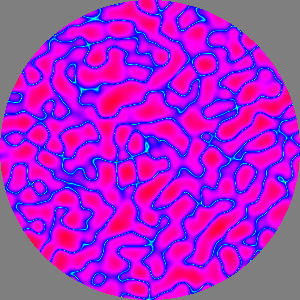
In both of these examples, the result of DifferenceSquared
is adjusted using Gamma and
then colorized with BrightnessToHue.
The top image shows DifferenceSquared
of Noise and middle gray. The
bottom image shows DifferenceSquared
of two different portions of Noise.
BrightnessToHue (Gamma (0.055,
                        DifferenceSquared (Noise (.07, Vec2 (3, 5)),
                                           Noise (.07, Vec2 (5, 3)))));
Experimental spin blur and other side projects
September 11, 2009
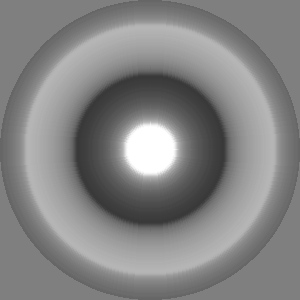
I am working on a side project spun off from
thinking about the “unround” nature of finite/truncated Gaussian
filters. Ken Perlin suggested “spin blur” of an image as a basis of
comparison for measuring its roundness. I have prototyped that using
this texture synthesis library. I am not sure if this would be a useful
operator for evolutionary texture synthesis since its result is very
similar to existing operator (see discussion for the bottom image on
July
4).
This experimental
SpinBlur
operator produces an effect like spinning an image on a turntable while
taking a time exposure photo of it. It averages the pixel values along a
given radius. This is implemented by scanning a grid of pixel samples
and adding the values into a 1d texture accumulator. A count is
associated with the pixel accumulator for each radius interval which is
used to normalize the result. The output for a pixel is looked up in
this 1d table indexed by radius. Note the aliasing evident in this
image, especially near the bright spot in the middle and along the main
axes. I assume this is a moire/interference between the pixel grid and
rotated 1d pixel lookup table. This may warrant an improved
implementation.
Speaking of side projects, work on texture synthesis has been slow
recently as I have been spending time learning about
Open
Beagle, the open source engine for
evolutionary
computation I plan to use with this texture synthesis library.

This SoftEdgedSquareWaveGrating
texture was used as the input to SpinBlur
above.
Edge detection and enhancement
August 24, 2009

Building on the recently improved
Blur
operator, I revisited the edge enhancement prototyped on
July
20. Today's results made with two new operators are almost
identical to those earlier experiments, except that these images show
the effect of the operators on colored images. This
blobs
texture was made by thresholding three sections of
Noise
and using them to matte three colors over gray, see code below.
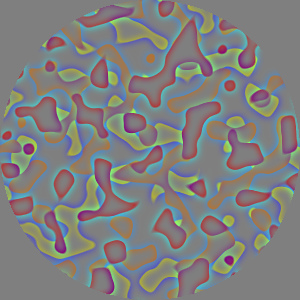
This image shows the result of the new
EdgeDetect
operator with a filter width of 0.02 applied to the top image. As in the
July 20 example, the
EdgeDetect
operator is a high pass filter that returns the signed edge detection
offset by (added to) middle gray. Note how the inside of the blob
boundaries have a gradation of the blob's color, while outside the
boundaries have the inverse color. So the red, orange and yellow blobs
have “halos” of cyans and blues.
(Orange is the only tertiary color that has an unambiguous name
in English. Its inverse hue is the color halfway between cyan and
blue. We may have more hue discrimination near orange because human
skin tones fall in this part of color space. These are also the hues
most relevant to finding ripe fruit.)
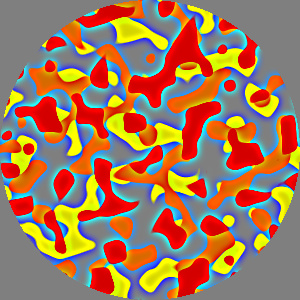
This is the result of the new
EdgeEnhance
operator using filter width of 0.02, and a value of 2.5 for enhancement
“strength”. The signed edge detection signal is multiplied by strength
then added to the input to produce this result. As mentioned below, this
approach is also known as
unsharp
masking.
a = SoftThreshold (0.60, 0.64, Rotate (1, Noise (.09, Vec2 (3, 5))));
b = SoftThreshold (0.60, 0.64, Rotate (3, Noise (.09, Vec2 (6, 4))));
c = SoftThreshold (0.60, 0.64, Rotate (5, Noise (.09, Vec2 (1, 7))));

blobs = Tint (gray (0.833),
              SoftMatte (a,
                         SoftMatte (b,
                                    SoftMatte (c,
                                               UniformColor (gray (0.6)),
                                               UniformColor (yellow)),
                                    UniformColor (orange)),
                         UniformColor (red)));

edges = EdgeDetect (0.02, blobs);

enhanced = EdgeEnhance (0.02, 2.5, blobs);
Better Blur
August 19, 2009

OK, the mysteries from the previous entry have been
cleared up and there is now a better
Blur
operator. As noted on
August 14 (second and
third images) the blurred result was not radially symmetric as expected.
The cause turned out to be my overzealous clipping of the “tails” of the
Gaussian filter in order to limit the size of the convolution computed
for each pixel. This contour-map image shows an improved “rounder”
version, although you can still see a bit of four-fold lumpiness near
the center. I've decided this is a reasonable trade-off between quality
and computation speed. Similarly the blurred version of
ResolutionTest
now has less (but not zero) high frequency content.
I renamed this new Gaussian filter
Blur
and renamed the old operator to be
Old3x3Blur.
Blur is now called with two
parameters: a filter width (radius) and the texture to be blurred. I
added a second constructor to
Blur
to provide the old 1-arg calling sequence with 0.005 for the default
width. I added a hack to avoid long computation times for huge filter
sizes: if the filter width is greater than 0.25 then
Blur
will simply return the texture's average pixel value. This is pretty
ad
hoc and subject to further review.
Colorize (SineGrating (150, pi/2), Blur (0.2, SoftEdgeSpot (0.295, 0.3)));
Post-SIGGRAPH fuzziness: wide blur kernels
August 14, 2009
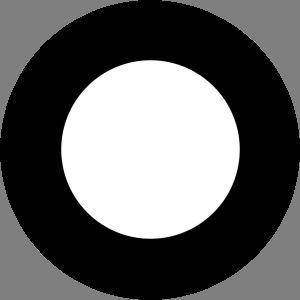
It has been three weeks since the last post. That
has something to do with
SIGGRAPH
2009, but only one of those weeks was the conference itself.
Perhaps SIGGRAPH's “schedule distortion field” extends out another week
on each side. Which brings me to wide blur kernels. I wrote most of this
code on the flight back from New Orleans but didn't finish it up until
today.
This is the input image before blurring.
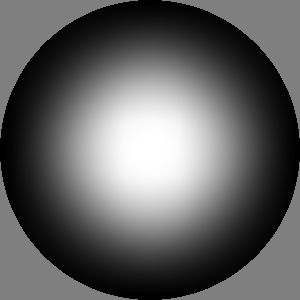
This is a wide low pass filter kernel applied to the
white spot in the top image. The sharp-edged spot has a radius of 0.3
and the blur kernel has a radius of 0.2 (for context, the entire image
has a radius of 0.5). The blur kernel is formed with two perpendicular
applications of a a 1d
Gaussian.
I used the Gaussian because this separability leads to a fast
implementation and because the resulting
impulse
response or
point spread
function is nice and round.
Except that near the center it didn't look so round to me...
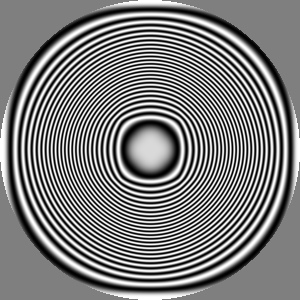
I used Colorize
with a SineGrating to make
this contour map of the blurred spot above. It is hard to ignore the
presence of some squarishness in there. Near the center, and near the
boundary of this texture image, the contours I expected to be circular
instead show four-fold undulations along the main diagonals of texture
space. That can't be right. I
haven't yet found a problem in my code.
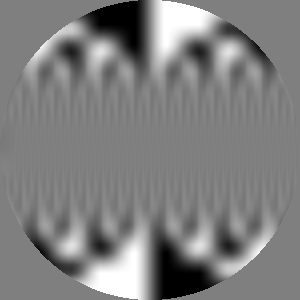
I tried to compare the performance of the old and
new
Blur. I found the
effective filter width of repeated applications of the old 3x3 filter
was less than I expected (which was one pixel of radius increase per
iteration). Tests show a Gaussian filter width of 0.05 is visually
comparable with 40 iterations of my old 3x3
Blur
filter (yet the transitions in this image seem to be about 26 pixels).
The Gaussian blur was about ten times faster at this filter size: 0.43
versus 4.03 seconds. The Gaussian's cost is proportional to the filter
width so I am considering how to limit that value to a reasonable range.
Otherwise evolution (GP) could blithely decide to use mile-wide filter
kernels. I may just say that beyond some limit, assume the filter is
“really big” and return a single average color.
Yet another mystery is that a surprising amount of high frequency
information is preserved in this blurred
ResolutionTest
from
March 28. While the original
pattern did have infinitely sharp edges, compare this to the image of
June
28 made with multiple applications of the 3x3 filter.
Experiments with lots of spots
July 26, 2009
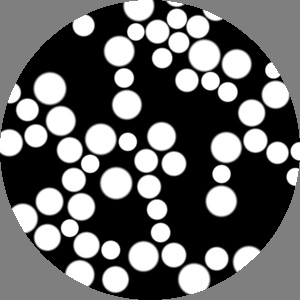
I have been looking at ways to parameterize patterns
with “lots of spots” using SoftEdgedSpot
as the drawing element. In this top image the centers of 60 spots are
uniformly distributed over a given disk. The outer radii are uniformly
distributed between two given bounds. (The inner radius for the
transition from black to white is 80% of the outer radius producing the
relatively hard edged spots shown here.) A simple iterative relaxation
procedure is used to avoid overlap by pushing the spots apart.
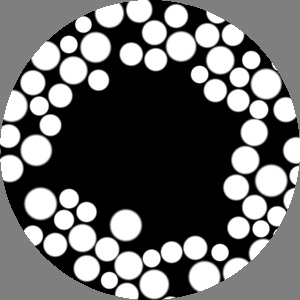
Here the likelihood of a spot appearing at a given
location is specified by a texture parameter. In this case that texture
has zero likelihood (brightness) at the center and gradually climbs up
to one near the outside. (Yet the transition between spots and no spots
seems surprisingly abrupt. This may result from spots near the crowded
outside “pushing” their neighbors toward the center.) This image
contains 70 spots.
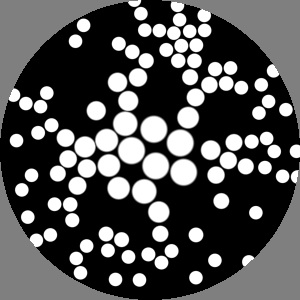
Here the distribution of spot centers is again
uniform. A second texture parameter is used to modulate the radii of 100
spots. In this case the radius map is bright in the center and darkens
toward the edge.
Perhaps the final
LotsOfSpots
operator will have texture parameters for both likelihood and radius.
Similarly, instead of drawing all spots in white, it could take another
texture to provides a color for a spot drawn at any given location. (As
in Paul Haeberli's 1990
Paint by
Numbers:
pdf,
pictures,
applet.) Or
rather than draw featureless spots, the operator might take another
parameter to provide color texture inside each spot. (As in the random
stamper prototype described on
May 9.)
A given disk of this texture would be scaled to fit into each spot.
Prototype edge enhance
July 20, 2009

My original
September 20
to-do list included two convolution-based operators: blur and edge
enhancement. I wrote a simple 3x3
Blur
on
November 28 and a 3x3 edge detector on
November
29.
Blur could stand in
for low pass filters with larger kernels by repeated (nested)
applications of the 3x3 filter. But a 3x3 edge detector is too small to
be useful. I still need large kernel high pass filters for edge
detection and enhancement.
Today I experimented with
unsharp
masking. A high pass “edge detecting” filter is created by taking
an input image then subtracting off a blurred version of itself, leaving
a residue of high frequency edges. Adding the high frequencies back into
the original image serves to “enhance” the edges.
This top image is the input. Brightness is 80% in the center and drops
by half each step.

The middle image is the result of prototype edge
enhancement applied to the top image. It is the sum of the original
input and the high frequencies seen in the third image. In this example
the low pass filter used had a kernel diameter of 21 pixels (10
iterations of the 3x3
Blur
operator). The
high frequency
texture was scaled by 2 before being added to the original input.
My daughter, a frequent contributor to this diary, remarked that the top
image looked “flat” while the enhanced middle image “really looked 3d.”
I was not aiming for a 3d look but indeed its not hard to interpret this
as the top view of a
stepped
cone. The bright “lip” on the inside of the edges could be seen as
highlights on rounded corners. The dark “trough” on the outside of the
edges could be seen as shadow.

This bottom image shows the high frequency edge
detection. It is a signed value which is shown here added to 50% gray.
The middle image shows the sum of this
edginess
texture (see code below) and the top image.
In the process of this experiment I wrote the long neglected
Subtract
operator.
(Random aside: while I originally studied these digital signal
processing filters in school, I tend to associate this idea of edge
enhancement with Richard
Taylor my friend, former boss at triple-I
and graphic design mentor. He told me that skilled airbrush artists
would make the edges of key graphic element pop
by painting a thin bright stripe just inside the element's edge, and a
thin dark stripe on the background just outside the edge. In the
1970s, Richard and his colleagues at Robert
Abel
& Associates had adapted this and related techniques in the
development of their ground-breaking candy
apple
neon motion graphics techniques.)
lowpass = Blur (Blur (Blur (Blur (Blur (Blur (Blur (Blur (Blur (Blur (input))))))))));
highpass = Subtract (input, lowpass);
edginess = Tint (Pixel::gray(2), highpass);  // scale enhancement by 2
texture = Add (input, edginess);
Max and Min
July 19, 2009
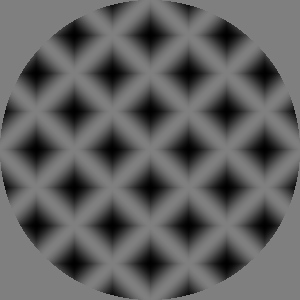
I added a Max
(and Min) operator that
combines two textures by selecting at each pixel the input that is
brighter (or darker). In this case two half-brightness, perpendicular,
diagonal SineGrating textures
are combined with Max.
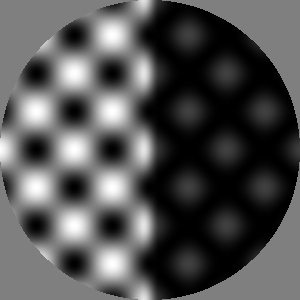
For comparison, here are the same two input textures
combined with
Add (on the
left) and
Multiply (on the
right). Adding the two textures together leads to something like a
foam
“egg
carton” pattern with peaks twice as bright as the input texture.
Multiplication leads to isolated peaks at half the brightness of the
input. In contrast the
Max
operator simply merges the two inputs, preserving the geometry and
brightness of at least one input.
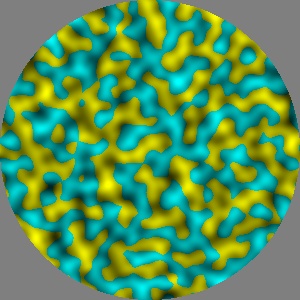
Here two portions of Perlin Noise
are tinted yellow and cyan then combined with Max
(see code below). Think of this as two undulating intersecting surfaces.
We see shades of cyan where it is brighter (higher) and shades of yellow
where it is brighter.
Max (Tint (yellow, Rotate (2, Noise (.06, Vec2 (13, 5)))),
     Tint (cyan,   Rotate (4, Noise (.06, Vec2 (7, 11)))));
Mirror
July 18, 2009

This Mirror
operator simply reflects a texture about an axis specified by a point
and an angle. In this example, colored Turbulence
is used as the input texture and zeros for angle and center specify the
Y axis for mirroring.
Adjusting hue
July 17, 2009
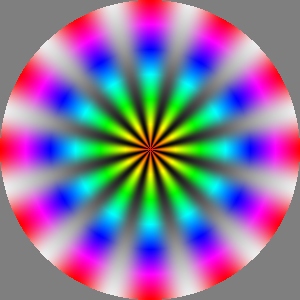
After adding operators for adjusting brightness and
saturation, the HSV adjustment suite is now rounded out with AdjustHue
which takes a hue offset and adds it to the hue of each pixel (wrapped
back onto the range [0,1]).
This first image is the input. Note the hue progression along the spokes
goes from red at the center through cyan at mid-radius and back to red
at the outside.
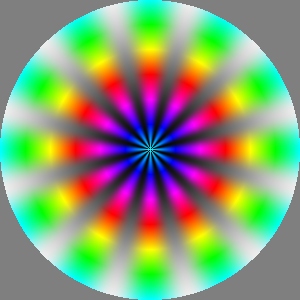
This is the result of applying AdjustHue
with a parameter of 0.5 to the top image. The gray background gradation
is unchanged while the hue progression now goes from cyan at the center
through red at mid-radius and back to cyan at the outside.
rainbowSpokes = SoftMatte (RadialGrad (12),
                           Invert (SoftEdgeSpot (0, 0.6)),
                           Wrap (1, 0.0001, Vec2 (),
                                 BrightnessToHue (SawtoothGrating (4*pi, 0))));

texture = AdjustHue (0.5, rainbowSpokes);
Adjusting adjusting saturation
July 16, 2009
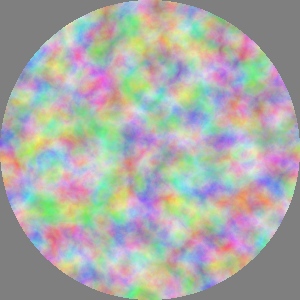
Upon reflection I decided that my
July
14 implementation for
AdjustSaturation
was utter hogwash. Because the RGB↔HSV conversion wants saturation to be
on [0,1], adjusting saturation with a gamma-like exponentiation seemed
like a good idea. But it has the minor drawback of doing the Wrong
Thing. If a pixel in the input texture is fully saturated (has a value
of 1.0) it could never be reduced by exponentiation.
I changed
AdjustSaturation to
interpret its numeric parameter as a scale factor. Each pixel's
saturation is multiplied by this factor, then clipped onto the interval
[0,1]. While this could lead to Mach band artifacts when saturation goes
out of range, I think it is closer to what the operator should do.
Nonetheless, the difference between the new and old implementation is
very
subtle for most textures like the pastel test case used here. Today's
image shows the second image from
July 14 with
its saturation increased by a factor of 1.5. It is very similar to July
14's third image.
Adjusting saturation
July 14, 2009
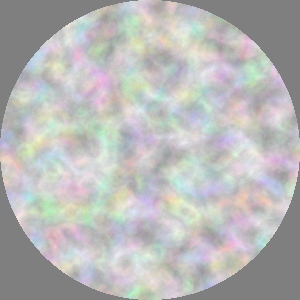
While thinking about HDR representation on
December
5, I made a list of additional To Do items, like operators for
brighten and darken (now covered by the
Gamma
operator) as well as tweaking hue and saturation. Today I wrote an
AdjustSaturation
operator that works like
Gamma
to push mid-range values up or down. Saturation values are defined by
HSV to be on the interval [0,1] so gamma style exponentiation alters the
mid-range while leaving the ends of the scale unchanged.
This image shows
AdjustSaturation
applied to the middle image, with its saturation pushed down
(desaturated) using an exponent of 1.5
This middle image is the starting point for the
other two. It is the colored
Furbulence
texture (third image on
July 9) “averaged” with
white: the two textures were added together then divided by 2.
This image shows AdjustSaturation
applied to the middle image, pushing up its saturation using an exponent
of 1/1.5
Colorful non-API
July 9, 2009
On
May 8 I
prototyped
ColorNoise but
didn't decide to officially add it to the library until July 3. Today I
prototyped these three colorful versions of fractal noise and then
decided
not to add them to the
library as predefined named functions. While one generator for a
multicolored pattern seemed like a good idea, four seems like overkill.
Nonetheless, I thought they were attractive and unique enough to mention
here.
In this example, three different portions of
Brownian
noise were tinted in red, green and blue then added together. See the
code snippet below. All three of today's images were made with analogous
code. See
May 18 for the scalar grayscale
versions of these three textures.
Three portions of Perlin Turbulence,
tinted in red, green and blue then added together.
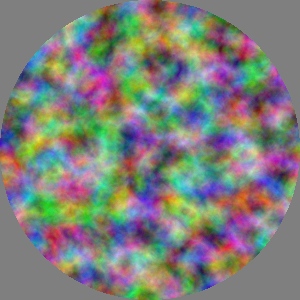
Three portions of Furbulence,
tinted in red, green and blue then added together.
Add (Add (Tint (red,   Brownian (0.15, Vec2 (4, 3))),
          Tint (green, Brownian (0.15, Vec2 (2, 5)))),
          Tint (blue,  Brownian (0.15, Vec2 (7, 6))));
Gamma
July 7, 2009
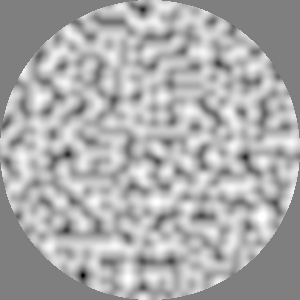
The
April 12 post mentioned
adjusting image contrast by “remapping pixel intensities through an
exponential as in
gamma
correction” before going off on another tangent. Today I returned
to that original intention and added a
Gamma
operator. A common use of gamma correction is adjusting the abstract
“perceptual” or “linear” brightness values used in computer graphics to
better match the contrast response of a given display device. In this
library it is being used simply to alter a texture by pushing more of
its dynamic range into lighter or darker values.
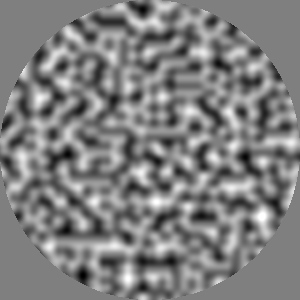
This is a portion of Noise
texture, it is unadulterated and so equivalent to a gamma of 1. The
bottom image is the same bit of Noise
with gamma of 2.2 and the top image has gamma of 1/2.2
(2.2 is sort of a cliché value for a discussion of gamma, it is
the typical value used to model video displays. It has no special
meaning in the context of this library.)

Note that in all three cases the total dynamic range
of the texture is unchanged, spanning almost all of [0,1]. The darkest
parts remain dark and the brightest parts remain bright. It is the
midrange (intermediate brightness values) that shift up or down. See
these
plots
of the contrast curves.
Using 1d slices of 2d textures as “waveforms”
July 4, 2009
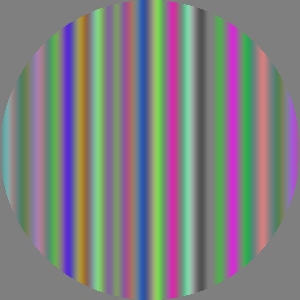
Of the two approaches discussed in the previous
entry I seem to be leaning toward defining “waveforms” (1d textures) as
the y=0 slice through a 2d texture rather than as a separate type.
Certainly that approach requires fewer changes to the library and its
interface to genetic programming.
Today's images represent four new operators that each take a “waveform”
or 1d texture as a input. The corresponding parameter is actually a 2d
texture (of c++ type
Texture&). In these examples the
1d texture comes from
ColorNoise,
as in the first image of the
May 8 entry. The
image to the left shows the generalized
SliceGrating
operator applied to a waveform defined by the y=0 slice of
ColorNoise.
(Update:
Grating was renamed
SliceGrating
on
Nov. 23.)
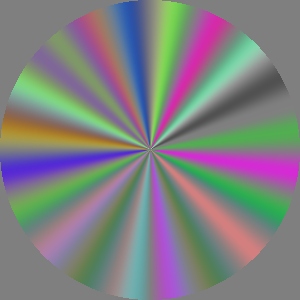
In this image the 1d texture is indexed by the angle
of each pixel by the new SliceToRadial
operator. As a result the colors along the 1d slice of ColorNoise
become colored rays emanating from the center.
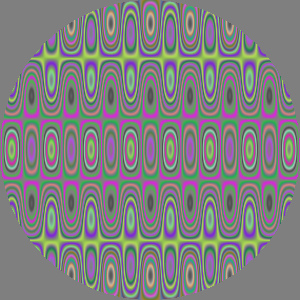
Here the brightness of one texture (see
June
8 and
9) is used to index into a 1d
texture (from
ColorNoise) to
select a color for the result. This new operator is called
Colorize.
Brightness values on the interval [0,1] in the texture being colorized
will map to x values on [0,1] along the y=0 slice of the texture
providing the colors. Brightness values are nominally on [0,1] but this
operator does not depend upon that.
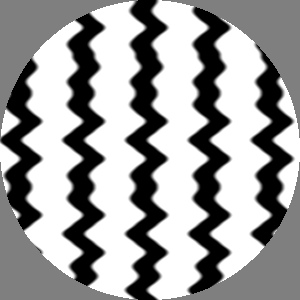
This
image
shows the result of a new operator called
SliceShear,
analogous to
SineShear, but
using a 1d texture to modulate the nonlinear shift. Compare this to the
first image on
April 7. In this case the
horizontal displacements come from the brightness of the
Noise
texture along its y=0 slice. (Update:
CurveShear
was renamed
SliceShear on
Nov.
23.)
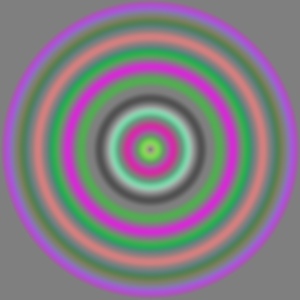
Since I've shown no reluctance to endlessly grow
this library, it may come as a surprise that I decided against adding an
operator to “sweep” a 1d-texture around a point creating rings of the
colors along the input texture's positive x axis. I wrote an
experimental version then realized the same effect can be obtained with
the
Wrap operator described on
February 6. The two code fragments below
both produce the image to the left.
texture = WaveformSweep (Vec2 (),
                         ColorNoise (0.05, Vec2 ()));
texture = Wrap (1,
                0.0001,
                Vec2 (),
                Rotate (pi/2, ColorNoise (0.05, Vec2 ())));
Formalizing “waveforms”
July 1, 2009
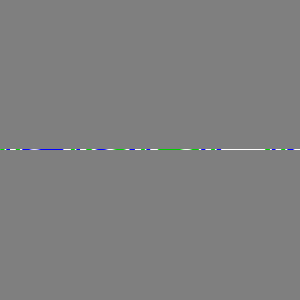
Since
December 20, there
have been several references to what I later called the “waveform as
first class object” design issue. This post is just discussion before
any changes are made. The concept of
waveform
first came up in the context of
gratings.
It seemed clear that “gratingness” was independent from the choice of
“waveform” the variation of brightness that defines the nature of the
grating. So perhaps there should be a
Grating
operator that takes a waveform as a parameter. Since back then there was
no abstraction for waveform, as a temporary measure, I defined four
generators of gratings for the four basic periodic scalar waveforms from
signal processing:
SineGrating,
SawtoothGrating,
TriangleWaveGrating
and
SquareWaveGrating.
So there
could be a
Waveform
base class which could be specialized for those four waveforms. However
it seems like an important degree of visual expressiveness would be
provided if waveforms could be defined just like textures: by the
composition of generators and operators. Instead of a scalar “waveform”
perhaps the new first class object is a “1d texture” or “colored string”
or “pixel row”. The top image is the row of pixels through the middle of
a texture (see the second image for
April 7)
with the rest of the texture colored like the mid-range gray background.
Imagine this being the result of applying a
Convert2dTextureTo1dTexture
operator.
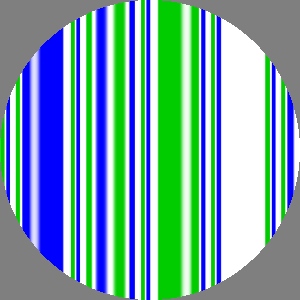
Then you could take that waveform (or 1d texture, as
you can tell I'm struggling with nomenclature) and pass it to a generic
Grating operator to produce
this second image. The operator would stretch (smear?) the 1d texture
perpendicular to its axis to create a 2d texture. So an equally good
name for
Grating would be
Convert1dTextureTo2dTexture.
But wait, what if this generic
Grating
operator took a
Texture rather
than (lets just call it) a
Waveform?
What if it implicitly converted (
coerced
in programming language terms) the texture to a waveform by the simple
expedient of ignoring all but that center row of pixels? So this second
image could just as well be the result of passing that
April
7 texture to a generic
Grating
operator which takes a texture for its “waveform” parameter.
That is what I am wrestling with now. Is it better to have a
Waveform
class with operators to convert between
Textures
and
Waveforms? Or is it better
to have just one
Texture class
which in certain circumstances is interpreted as a 1d texture/waveform?
Simplicity is one argument for one rather than two classes. Conversely
it might be seen as overloading the concept of 2d texture to include 1d
texture functionality. From the standpoint of
GP,
having two classes requires using “strongly-typed GP” (which might be
desirable for other reasons) and also creates some genetic separation
between the two classes (which might be a good thing).
One ironic outcome from the “all textures are 2d, but are sometimes
interpreted as 1d” approach would be that I am left with the original
issue from last December: how do I define a sine wave (etc.) grating? If
I use the generic
Grating
operator, what is the input texture? It seems like the only solution is
to define stand-alone texture generators that have a scalar (which is to
say, gray scale) waveform along their y=0 axis. And that, it turns out,
exactly describes those “just temporary” generators from
December
20:
SineGrating,
SawtoothGrating,
TriangleWaveGrating and
SquareWaveGrating
(and subsequently on
April 3, the oddly named
SoftEdgedSquareWaveGrating).
Laptop upgrade
June 28, 2009

My old laptop was getting slow and decrepit, just
like its owner. So last week I upgraded from my 4.5 year old PowerBook
G4 to a new MacBook Pro. The new machine is much faster along several
dimensions (higher clock speed, 2 cores, more cache, etc.) and I wanted
to know how much faster it was on the calculations used in this library.
I made a test case with
Blur
applied 20 times to the
ResolutionTest
texture generator from
March 28. On the old
machine it took 12.27 seconds. On the new machine it took 1.77 seconds,
roughly
7 times faster.
In the process I fixed an old pixel addressing bug in the
CachedTexture
class that also broke the
ExperimentalRandomStamper
used for “Sparse Gabor Convolution” on
May 9.
Generalized wrap-around in brightness
June 11, 2009
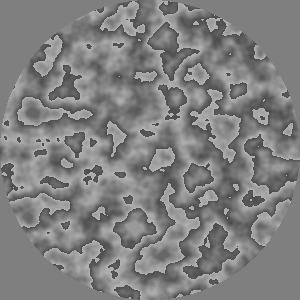
While fiddling with
Wrapulence
I tried a variation then realized it was “just fmod of Brownian.” Not
much to do with turbulence or fractal noise, but it seemed like a good
idea in general to provide an operator to do a wrap-around (remainder,
modulus) on the brightness of a given texture. This image shows
BrightnessWrap
applied to
Brownian noise,
with the bounds of the wrapped region of intensity set to 0.3 and 0.7.
It converts the full range and smooth input to mid-range values with
discontinuous jumps. The irregular boundaries and hard edges give this
somewhat of a
grunge
quality like layers of corrosion and peeling paint.
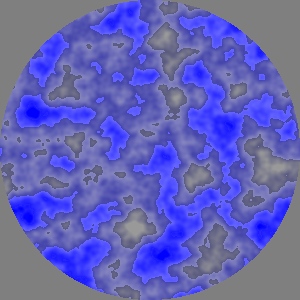
This is
BrightnessWrap
applied to an input like the “Brownian sky” in the
May
15 entry. See code below.
BrightnessWrap (0.4,
                0.6,
                SoftMatte (Brownian (0.15, Vec2 (27, 27)),
                           UniformColor (blue),
                           UniformColor (white)));
Tweaking Turbulence: “Wrapulence”
June 10, 2009
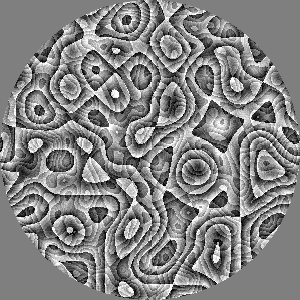
Describing the
May 18 Furbulence
generator to a friend I said that tweaking
Turbulence
to include a second “fold” suggested other ways to “add discontinuities
at all scales” as Perlin originally described
Turbulence.
One of those was to simply scale up the amplitude of the underlying
Noise
signal, then apply wrap-around on the interval [0,1]. For this image
Perlin Noise on the range [-1,1] is scaled up to [-3,3] then wrapped
onto the range [0,1], using something like the modulus or reminder
operator (literally:
v-floor(v)). The rather wacky result
may not have any practical applications but it is certainly unique. My
daughter especially liked it (“that is
soooooo
cool!”) which is justification enough to describe it here.
While
Turbulence contains
first order (slope) discontinuities at all scales, this
Wrapulence
texture has zero order discontinuities (sharp boundaries between light
and dark) at all scales. As a result the new texture is much “edgier”
with sharp changes in brightness everywhere. In general that is
considered a bad thing from the perspectives of signal processing, image
quality and bandwidth.
(I had an encounter with a real world object that was “sharp at
all scales.” Getting out of my car in a parking lot I noticed that the
next car must have hit something really hard right on the edge of its
magnesium
wheel. A bit of the alloy had ripped away looking almost like a
strobe picture of splashing water. The highly irregular fractal
surface glittered alluringly in the sunlight. Of course I had to reach
out and touch it--ever so lightly--making several bloody pin-pricks in
my finger. At that moment I was enlightened. Not only was it “sharp
at
all scales” but also “pointy
in
all directions.”)
Density slicing: ramps and soft steps
June 9, 2009

As mentioned on
May 15, the
ad hoc density slicing operator
had undesirable hard edges between its color steps. Here are some
textures produced with two new and improved density slicing operators.
Each take 10 colors as parameters. (In these top two images, the colors
are 8 copies of 30% gray plus yellow and white in intermediate
positions.) In the top image the
DensitySliceTenRamps
operator maps brightness into one of 9 linear ramps between the 10 given
colors. You can see bright
Mach
Bands in the yellow regions caused by slope discontinuity between
two ramps (one going from gray to yellow adjacent to one going from
yellow to gray).
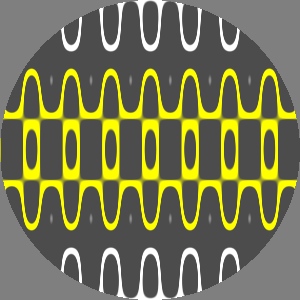
This is a call to DensitySliceTenSteps
which maps brightness into one of 10 flat color steps. It differs from
the earlier experimental density slicer by providing soft edges between
the steps with a softness
parameter between 0 and 1 specifying the width of the transition zone.
It is 0.3 in this example. It uses the same 10 colors as in the top
image.

DensitySliceTenSteps
with the same input texture and different parameters: softness is 0.7
and there are 7 unique colors, as shown in the code box below.
While these two operators are both fine ways to colorize, they seem a
bit
ad hoc since there are so
many other approaches that could be used. Ideally the sequence of colors
should be defined in a way as flexible as for textures themselves. This
seems another example of the “waveforms as first class objects” issue.
(Update: see new
Colorize
operator described on
July 4.)
DensitySliceTenSteps (yellow, gray90, green, gray90, black,
                      gray90, magenta, gray90, red, orange,
                      0.7,
                      graygratings);
Brightness to hue
June 8, 2009
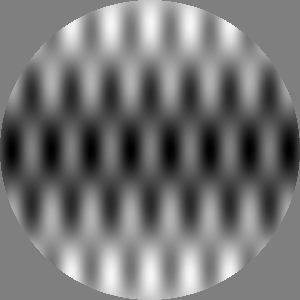
Some of the recent experiments with noise textures
were portrayed with scalar (B&W) noise colorized by a simple
hard-edge
density
slicer. I later realized that there was a very simple way to map
brightness values onto a continuous hue scale using the existing RGB/HSV
conversion routines.
This sample gray scale texture is the sum of three sine wave gratings,
see code below.
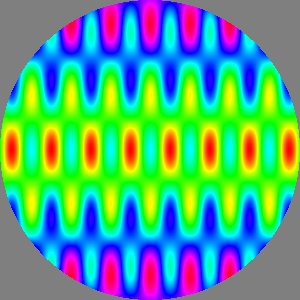
Here the gray scale input is colorized by mapping
brightness values onto the continuous hue scale using the new BrightnessToHue
operator. Because hue values are cyclic, this “fmod”-like mapping
conveniently handles brightness values outside the range of [0,1].
graygratings = Add (Tint (Pixel::gray (0.5),
                          Translate (Vec2 (0, 0.5),
                                     SineGrating (pi * 2, 0))),
                    Tint (Pixel::gray (0.25f),
                          Add (SineGrating (50, pi *  0.6),
                               SineGrating (50, pi * -0.6))));
texture = BrightnessToHue (graygratings);
Preliminary Perlin Marble
May 28, 2009
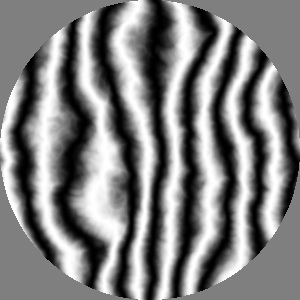
I have been experimenting with the Marble
texture described in Perlin's 1985 paper. He takes a (potentially
colorized) vertical sine grating and at each pixel shifts its phase
horizontally by the value of Turbulence.
The result ranges from a pure sine grating, to a noisy grating, to a
strongly warped grating, to a fairly chaotic pattern of warped dots and
rings. The bottom image shows about 1.5 cycles of the sinusoid with a
strong turbulent component.
(I like the phrase “Perlin marble” as if it was in the same
category as “Carrera marble” or “Parian marble”.)
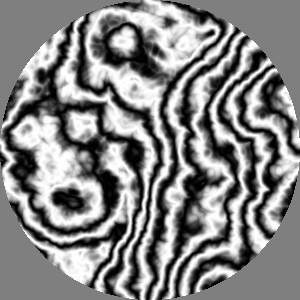
I haven't given code fragments or other concrete
descriptions of these images because I not sure I fully understand the
parameterization of this texture. (Even if we ignore coloring issues, as
in these B&W examples.) In addition to scale and translation for the
underlying Turbulence, there
is also the frequency and angle of the sine grating. Perhaps also
a scale factor relating the [0,1] range of Turbulence
to an angular phase. That is, my code has such a factor but maybe it
could be made a constant without loss of generality?
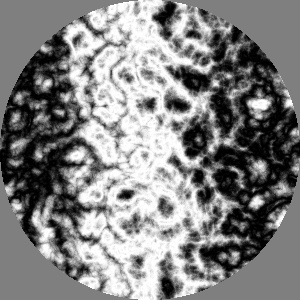
Ken's definition of
Marble
using a sine wave and
Turbulence
has been widely applied in computer graphics and other fields. Yet as
was noted in the
April 7 discussion of
SineShear, there are interesting waveforms beyond sine, such as
described on
December 20 (square, triangle,
sawtooth) and many others that could be defined procedurally. This seems
to suggest another argument for “waveforms as first class objects” in
this library. Perhaps another version of
Marble
could turbulently displace the phase of an arbitrary waveform passed in
as a parameter. An even more generalized
Marble
operator could take a waveform (playing the part of
SineGrating)
and a texture (to be used like
Turbulence)
then form the “marbleized” combination of the two.
Disalignment (“I happen to have Prof. Perlin
right here”)
May 23, 2009
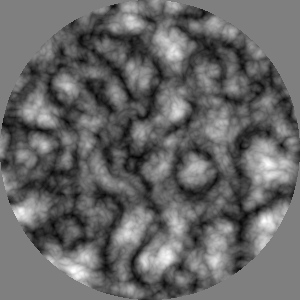
As noted on
May 15, my
implementation of Perlin's 1985
Turbulence
texture seemed to be full of annoyingly anisotropic vertical, horizontal
and diagonal features, as in the bottom image. Since “I happen to have
Prof. Perlin right here” (*) I asked and Ken said that to avoid this
artifact, he simply rotates the texture between each level of the
fractal summation, as shown in the nicely isotropic top image.
(*) In his 1977 film Annie
Hall, Woody Allen's character Alvy Singer famously recruits
noted 1960s media theorist Marshall
McLuhan to help make a point by pulling
him into the scene from off stage, saying “...I happen to have
Mr. McLuhan right here...”
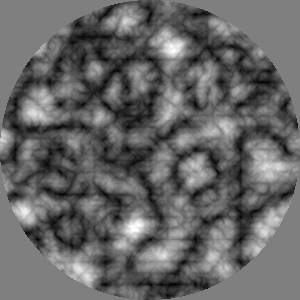
Note that features in both images are the same at
the fundamental (lowest) frequency. For example, there is a nearly
circular feature just below and right of the center of both textures. I
now rotate each subsequent octave of Noise
by 2 radians (plus, as before: doubling the frequency and halving the
amplitude). I chose 2 radians because it is roughly 1/3 of a revolution
but will never re-align with the irrational value (2 pi) of a full
rotation measured in radians.
Tweaking Turbulence: “Furbulence”
May 18, 2009
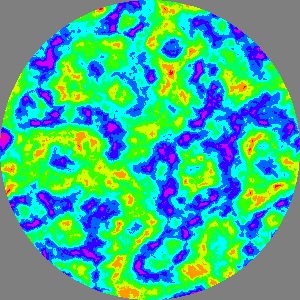
As mentioned in the
May 15
post, Perlin
Turbulence is
similar to
Brownian noise
except that it “folds”
Noise
using an absolute value in order to add discontinuities at all scales. A
result of that is that
Turbulence
has sharp “valleys” with soft “peaks.” Thinking about that asymmetry I
wondered what would happen if I used
two
absolute values to make two folds in the
Noise
signal. Folding the tops down and the bottoms up produces a curve that
has sharp
and soft features at
both the top
and bottom of its
range. Here we see a density slicing of this new variation on
Turbulence.
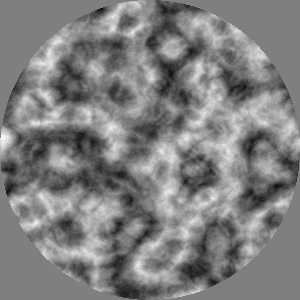
This image shows the new texture in its raw
grayscale scalar form. I had copied the code for my Turbulence
generator, renamed it and tweaked it to try the double folds. Calling it
“turbulence 2” seemed unimaginative. I thought that the dark and light
“tendrils” give the texture a wispy, furry appearance, so I started
calling it Furbulence.
Here for comparison is raw Perlin Turbulence. Note
how all the sharp features are dark. The bright features are soft and
puffy, broken by dark cracks.
(Update: changed this to show the improved “disaligned” version from
May
23, replacing the second image in the
May 15
entry.)
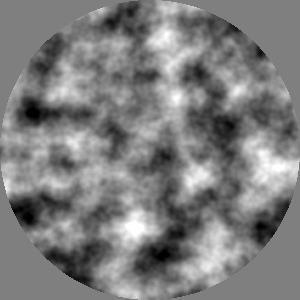
Here for comparison is raw Brownian Noise, where
both the peaks and valleys are soft and smooth.
Fractal Noise: Brownian and Turbulence
May 15, 2009

More bounty from Ken Perlin's 1985 SIGGRAPH paper
An
Image Synthesizer. Here we see
Brownian
noise, a sum of octaves of
Noise:
a fundamental frequency plus additional copies, each with twice the
frequency and half the amplitude of the previous copy. In the abstract,
a texture constructed this way has features at all scales. (While an
image of this resolution can only represent about 8 octaves.) I am not
certain of its origin but I associate the use of “Brownian” to describe
this kind of 2d fractal texture with
Benoît
Mandelbrot. In this image the noise pattern is colored to suggest
a layer of high thin clouds beneath a blue sky.
This is Perlin's
Turbulence
texture, often used to model marble, flame and other chaotic phenomenon.
Turbulence
differs only slightly from
Brownian
texture, summing octaves of the
absolute
value of Perlin Noise, which is defined on the range [-1,-1].
The absolute value “folds” the negative peaks of the smooth noise signal
into the positive range, causing sharp valleys between smooth peaks. As
a result
Turbulence contains
sharp details (discontinuities), and because of its fractal nature these
occur at all scales. This image shows the raw
Turbulence
texture. I am surprised to see the visually prominent dark features
along the horizontal, vertical and to a lesser extent diagonal.
This bears further investigation. (Update: see entry for
May
23)
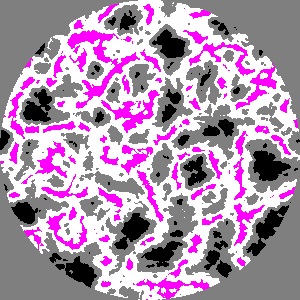
This is the same Turbulence
texture colored with an experimental operator for density slicing. It
divides the intensity range of [0,1] into ten regions and assigns a
color to each. (Here a selection of four colors are each assigned to
multiple bands.) I think a better density slicing operator should
provide either soft transition zones between the bands, or else color
each band with a ramp between its two neighboring colors.
Sparse Gabor Convolution
May 9, 2009

According to the
authoritative
but
unofficial list by Ke-Sen Huang a paper called
Procedural
Noise
using Sparse Gabor Convolution by Lagae
et
al. will be published at
SIGGRAPH
2009. (As of this writing the official list of papers has not been
released.) So far only an intriguing video is available on the project's
website. Beyond describing this novel type of textured noise, the video
demonstrates a user interface for authoring noise, and techniques for
mapping the texture onto arbitrary dynamic 3d shapes. The implementation
is apparently quite efficient, running in real time.
The video inspired me to make a prototype
implementation in my texture synthesis library. The top image is the
first result. This is the sum of 2000
Gabor
kernels each with a random position and a rotation by an angle
uniformly distributed between two given angles. The middle image shows
the sum of the first few kernels.
Lagae
et al. also allow the
frequency of the kernel to vary between two bounds. Mine were all
the same.
(Sorry for the pixel addressing artifacts along the x and y axes in
these images. (Update: fixed on
June 28.) I
wrote this code in a rush on a Saturday afternoon to convince myself
that such cool textures could be actually produced by this surprisingly
simple method.)
This is the input texture used as the kernel. A
Gabor kernel is defined as the product of a sine wave grating and a
Gaussian spot. This is in fact a cosine wave grating times a
(co)sinusoid spot, since those two generators already existed in the
library and are visually similar.
The kernel is shifted down in intensity from [0,1] to [-0.5,0.5] then
passed to an experimental random “stamper” which adds a given number of
copies into an accumulation buffer. Each copy is rotated by a random
angle (between two given bounds) and translated by a random vector (in a
given circle specified by radius and center). My prototype is so
not real time, the top image took several minutes to complete compared
to interactive rates for the Lagae et
al. system.
gaborKernel = Multiply (SoftEdgeSpot (0, 0.1),
                        Add (UniformColor (Pixel::gray (-0.5)),
                             SineGrating (200, 0)));
texture = Add (UniformColor (Pixel::gray (0.5)),
               ExperimentalRandomStamper (2000, 0, pi/4, .7, Vec2 (), gaborKernel));
Color Noise
May 8, 2009
Just playing with my new toy. This image is made
with three copies of
Noise
shifted relative to each other. Each copy is then tinted with red, green
or blue and the three are added together. Compare this to other kinds of
“blurry confetti” in the
April 12 and
March
23 entries.
(Update: on
June 30 I added a generator called
ColorNoise to produce this kind
of RGB color Perlin Noise texture.)
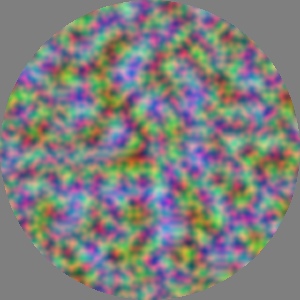
Again three copies of Noise
tinted with the primary colors and added together. In this case it is
three “octaves” of Noise. The
lowest frequency and highest amplitude is tinted blue. The green layer
is half the size (twice the frequency) and half the amplitude as blue.
The red layer is half the size and half the amplitude of green.
Without the tinting seen here, this summing of octaves of band limited
noise produces 2D Brownian noise. This classic fractal with 1/f power
spectrum was described by Mandelbrot. In his 1985 paper, Perlin gave the
name Turbulence to the
summation of the absolute value
of octaves of Noise.
Noise
May 4, 2009
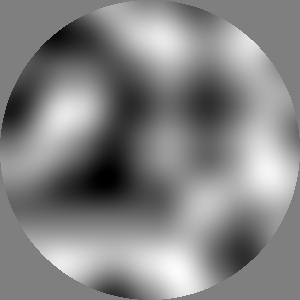
The original specification for this library included
a generator for
Perlin
Noise, an enormously influential concept in procedural modeling
introduced by
Professor Ken
Perlin in his landmark 1985 SIGGRAPH paper
An
Image Synthesizer. Perlin's Noise has had a huge impact, but is
just one of a stream of innovation that has flowed from the mind of this
modern polymath. If I gush too much it is because I am proud to consider
Ken a friend and to have been his colleague since we met in the early
1980s as young geeks laboring on the production of the cult classic
computer animated film
TRON.
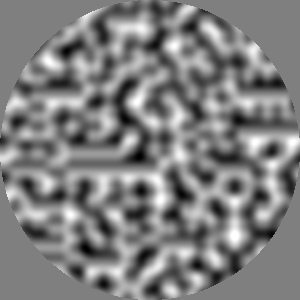
This image shows a unit diameter circle on the z=0
plane of
Noise scaled down by
16. The top image is the same but four times bigger. The bottom
image is 4 times smaller.
A key property of Perlin Noise is that its scalar value is defined over
continuous three dimensional space (ℝ3) making it a “solid texture”. For
the purposes of this 2d texture synthesis library, I use only the z=0
slice through the solid texture. I started with the reference
implementation from Ken's 2002 paper
Improving
Noise and later took out the computation for the unused z
dimension.
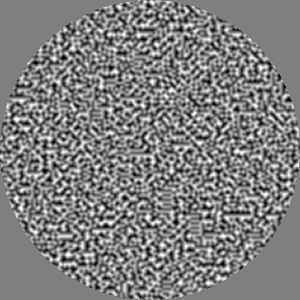
Ken writes in his papers that
Noise
is equivalent to white noise that has been smoothed with a Gaussian low
pass filter. That is almost exactly what is shown in the first image of
April 12. One difference is that this image is
pure gray scale since Noise is a scalar value. The April 12 image is
gently colored because it began from the color confetti of
Grain
texture.
Stretch
May 1, 2009
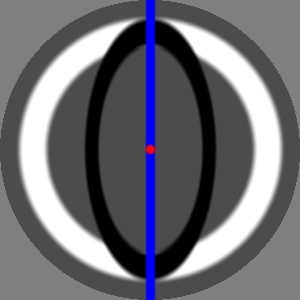
After working to eliminate unwanted stretch from the
Array operator, I now restore
balance by introducing a Stretch
operator. It basically scales an input texture in the x direction while
leaving y unchanged. In addition to that scale factor it also includes
parameters for rotation and translation.
The black ellipse is a Stretch
(by 0.5) of the white circle. With no rotation or translation, scaling
is applied along the horizontal. The red dot shows the center of the
transform. The blue line indicates the angle parameter and corresponds
to the fixed points of the transform.
It took me an embarrassing number of tries to get the 5 transforms
applied in the right order, so here are some more of the test cases I
used:

Stretch
with
rotation only.
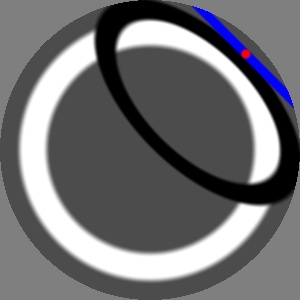
Stretch
with rotation and translation
More caching woes
April 28, 2009
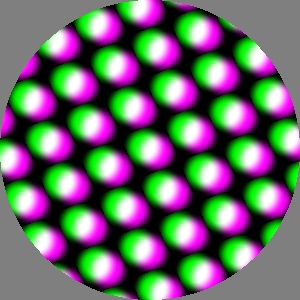
At the end of March I fixed the blurring OpenGL had
been doing on the textures at display time. That allowed me to remove
the supersampling I'd been doing to work around it. So instead of
caching 300x300 textures at 600x600 I used what seemed The Right Thing,
a 300x300 cache. Everything looked fine until I started working on
rotated arrays and saw really nasty pixel position round-off errors. The
top image with no caching shows how this “standard benchmark” should
look
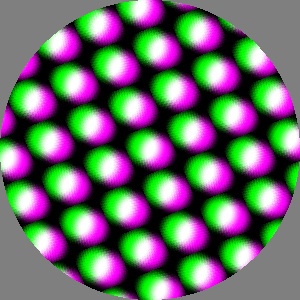
This image shows the artifacts caused by using the
(non-supersampled) cache in the presence of rotation. Round-off errors
in pixel coordinates cause small positioning errors that add high
frequency “fuzz” in the image.
Without a radically different scheme, caching is just not working out. I
will leave it turned off until performance issues require a different
implementation. I will leave it in place for Blur
and related operators that need to access each pixel of the input
texture multiple times (and do not involve rotation).
Obliging oblique arrays
April 26, 2009

As noted for
April 21's
third image, the skew
Array
produced from non-perpendicular basis vectors was nice looking but
“wrong”. The image to the left is the corrected version of
Array
applied to the same parameters. The input texture is no longer stretched
and all cells are rigid translations of the original input texture, as
seen in the center cell. These two basis vectors have the same length so
each cell is a rhombus.
This fix involved an excursion into non-orthogonal coordinate systems,
where projecting a point onto an axis cannot use a dot product's
perpendicular projection (as in the previous buggy version). I
implemented the required skew projection using a line intersection
calculation for lines defined in terms of a point and a tangent vector.

Another oblique
Array
using
April 23's input texture (plus a
horizontal blue bar), showing that the input remains unrotated. In this
image the
Array basis vectors
have none of the “special properties”: not aligned with the global axes,
not mutually perpendicular, nor of equal length. As a result the cells
shown here are parallelograms. For randomly selected basis vectors, as
in the context of evolutionary computation, this would be the typical
case.
Row redux
April 23, 2009
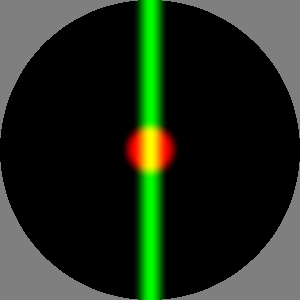
As mentioned in the previous entry, the existing Row
operator was broken. It only worked for a horizontal basis vector, and
made things easy on itself by ignoring the y component. For the source
image to the left, the old Row
operator would produce a series of copies of it translated to the left
and right with horizontal spacing equal to the x component of the basis
vector.
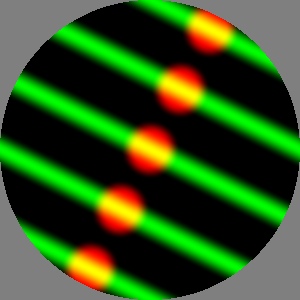
This
is
a “near miss” -- not quite the right thing. (Irony alert: for a library
whose goal is as ill-defined as “make pretty pictures” it can be tricky to
tell right from wrong.) In this version the non-horizontal basis is
handled correctly but the source texture is rotated to align with the
basis. This violates the idea (see previous entry) that the “center cell”
should remain identical to the input (above).
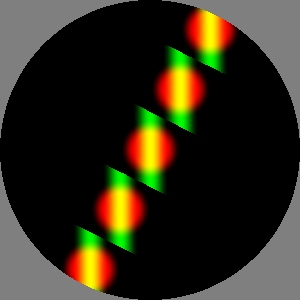
This is the “correct” version, at least according to
my arbitrary definition. The center cell (a strip running roughly from
west-northwest to east-southeast) is identical to the corresponding
region in the source texture (top left image). The other four visible
cells are rigid translations of the center cell.
Note that these images were made with caching turned off. More on that
later.
Arrays
April 21, 2009
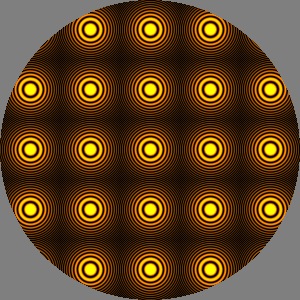
The entry for
November 26
shows an array formed by two nested
Row
operators and speculates about an
Array
operator. I decided to give that a try, using the
Row
code as a starting point. Oops,
Row
turned out to be a quick and unfinished prototype: it only handled
horizontal basis vectors. More about that later. (Update: fixed
April
23)
The image to the left is an
Array
whose two basis vectors are perpendicular, equi-length and aligned with
the global axes. The source is a scaled and tinted
RingedSpot.
(Note the prominate alising artifacts due to point sampling: dark
“circles” on the edges and corners of each cell. The
increasingly fine rings of the RingedSpot
pattern are reminescent of the test pattern used by Frank
Crow in his pioneering work in sampling kernels for
“antialiasing”. See Figure
3 of [Crow
1977])
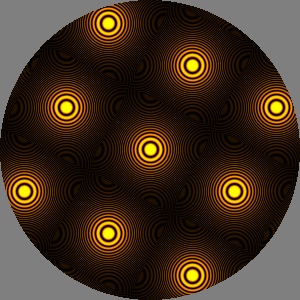
The
basis
vectors of this
Array are
perpendicular and equi-length but rotated, producing a rotated square
grid. If the bases had different lengths the grid would be rectangular.
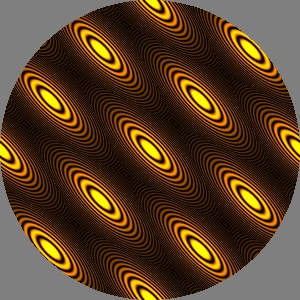
This
Array
has basis vectors of the same length which are not perpendicular,
producing this skewed or oblique grid with rhombus shaped cells. This
result was visually pleasing enough to seem correct at first, but
eventually cold logic convinced me that it was a bug. That conclusion is
based on an admittedly arbitrary principle that
Row
and
Array should produce a
collection of cells, each of which is a rigid translation of the
“center” cell, which should remain identical to the source texture. More
on the rigid version of oblique
Array
later. Still, this operator is too cool not to preserve somehow in the
library. If not as its own operator, this effect could be obtained
by applying the (not yet implemented)
Stretch
operator to an
Array.
(Update: Stretch added on
May 1)
Found art: intensity redefined
April 13, 2009
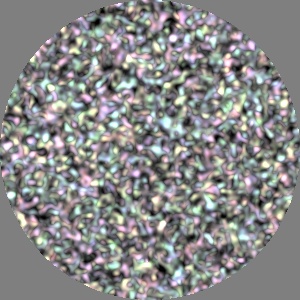
Forgive me gentle reader, today's entry is merely
about the fun of fiddling with code and accidentally making a beautiful
mistake. The image to the left is the same as yesterday's entry except
that the
intensity
(brightness) of a pixel is defined (rather nonsensically) as the
minimum
of its red, green and blue components. To me this looks a like a 3D
shaded rendering of a lot of small pastel colored blobs. My daughter
said it looked like
Floam.
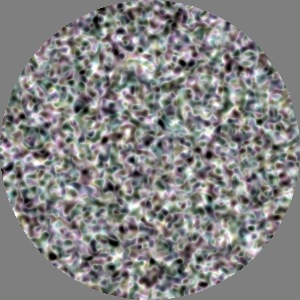
In
this
image
intensity is defined as
the
maximum of the RGB
components. This was the first variant I tried while thinking about
yesterday's version and how it might lead to unintended clipping of RGB
values. This image was surprisingly different from yesterday's with white
threads between blobs of dark desaturated colors. Sensing I was on to
something interesting, I then tried the min version above and the distance
version below.
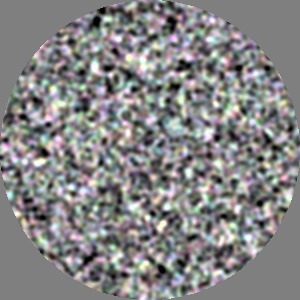
In this image intensity is defined as the
distance
in 3D RGB space from black to the given color (divided by √
3,
the distance from black to white). Note that it is very similar to
yesterday's image where intensity was defined as the
average
of red, green and blue values. I think this version is slightly darker
than yesterday's because it is less prone to create colors outside the
unit RGB cube.
The four images from today and yesterday hark back to
Karl
Sims' evolved textures from 1991 where each pixel was generated by
an evolved program whose arguments were the x and y pixel coordinates.
That work used a “microscopic” approach while my library is more
“macroscopic” where evolved programs process whole images.
Remapping contrast
April 12, 2009
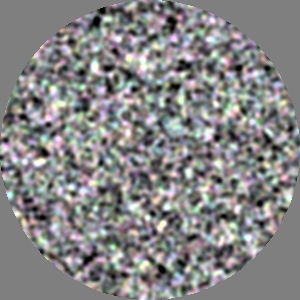
This is an experimental
AutomaticExposure
operator applied to fuzzy grain. (
Blur
applied 8 times to
Grain, as
in the second image for
March 23.) I had been
thinking about operators to adjust the “contrast” of textures. For
example remapping pixel intensities through an exponential as in
gamma
correction. Another example would be, as in this case, remapping a
small range of intensity values (roughly from 48% to 52%) to the full
range dynamic range of the display, from black to white.
This
AutomaticExposure
operator accomplishes that without any parameters by measuring the input
texture. It remaps the pixel intensities with the lowest value becoming
black and the highest value becoming white. It gets those values from a
new capability of
CachedTexture
that randomly samples a given circular region of the input texture and
estimates the max, min and average pixel values.
Additive and subtractive color mixing
April 8, 2009
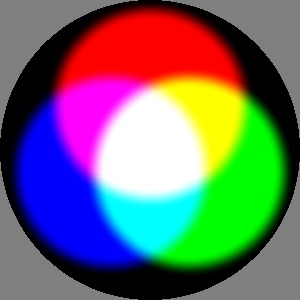
My to-do list included “additive and subtractive
color mixing” harking back to features I implemented in
Symbolics
S-Paint, my previous foray into 2D graphics. See this
page
from a
1984
brochure showing images like those to the left created in S-Paint
(
more here).
High end paint systems back then used soft mattes (alpha blending) to
combine opaque colors, but at that time
additive
and
subtractive
color mixing was probably unique to S-Paint. I think my SGD coworker
Eric Weaver microcoded these operations in firmware allowing them to run
at interactive speeds.
After a little thought I realized that additive and subtractive color
mixing could be obtained using operators already in this texture
synthesis library. In fact the images in the entry for
December
26 show the additive mixing of three gratings tinted in primary
colors. The top image can be thought of as a white wall in a dark room
illuminated by three overlapping spotlights, each tinted with a colored
“
gel” in red, green
and blue. Secondary colors are produced where two primaries overlap,
white is produced where all three overlap in the center.
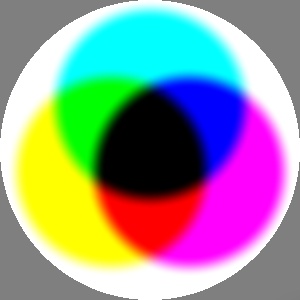
This image can be thought of as a white field (like
a light box) on which three gels colored cyan, magenta and yellow have
been overlaid. (Or a white sheet of paper tinted with three overlapping
dots of colored printer ink.) Primary colors are produced where two
secondaries overlap, black is produced where all three overlap in the
center. For example, yellow subtracts (blocks) blue light from the white
background, magenta subtracts green, so the overlap of yellow and
magenta filters produce red. The subtractive effect is obtained by
multiplying together fractional RGB color components which typically
range between 0 and 1. This is not a physically correct model, but is
good enough to produce this visual effect.
In the first image three primary color spots on black backgrounds are
added together. In the second image the spots are inverted to make
secondary color spots on white backgrounds and these are multiplied
together. It is interesting that the sum of the spots is equal to the
inverse of the product of the inverse spots. If I was more
mathematically inclined I could probably come up with a more specific
word for this than “interesting”.
spot = Translate (Vec2 (0, 0.15), SoftEdgeSpot (0.28, 0.35));
redSpot = Tint (red, spot);
greenSpot = Tint (green, Rotate (4*pi/3, spot));
blueSpot = Tint (blue, Rotate (2*pi/3, spot));

additive = Add (redSpot, Add (greenSpot, blueSpot));

subtractive = Multiply (Invert (redSpot),
                        Multiply (Invert (greenSpot),
                                  Invert (blueSpot)));
“I remember it like it was
yesterday...”
April 7, 2009
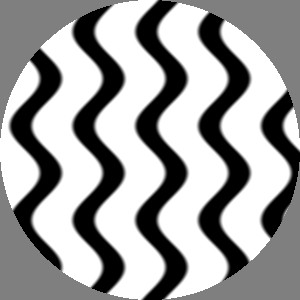
There is a cliché used in TV comedy to set up a
flashback: a character says “
I
remember it like it was yesterday...” followed by a wavy line
video effect and perhaps a
harp
flourish. In honor of the cheesy video effect, the image to the
left is a
SineShear operator
applied to vertical lines. In this simple version, the texture is
shifted horizontally by a sine wave parameterized by amplitude,
frequency and vertical position.
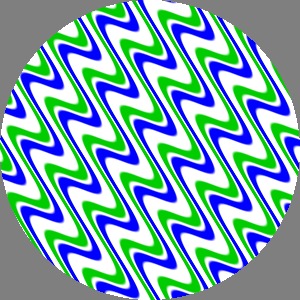
SineShear
applied to another vertical stripe pattern, this time with an offset
center and an angle. I'm not sure if a translation parameter makes more
sense than a scalar phase parameter. The two seem roughly equivalent.
(One might wonder why this works for sine waves but not other
waveforms like square, triangle, sawtooth, let alone arbitrary
procedurally defined ones. In other words: “why aren't waveforms first
class types in this library?” (Update: fixed, see July
4.))
seswg = SoftEdgedSquareWaveGrating (50, 0.25, 0.08, pi/2);
stripes = SoftMatte (seswg,
                     UniformColor (blue),
                     SoftMatte (Translate (Vec2 (0.08, 0), seswg),
                                UniformColor (Pixel (0, 0.8, 0)),
                                UniformColor (white)));
texture = SineShear (.08, 40, pi/4, Vec2 (0.2, 0), stripes);
Peppermint
April 3, 2009
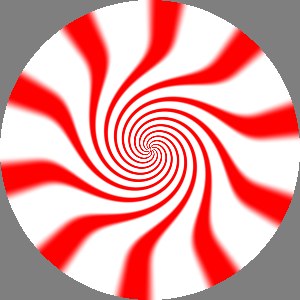
Today we have two new operators inspired by spirals,
twists and peppermint candy. The image to the left shows the VortexSpot
operator applied to a pattern of alternating red and white radial
stripes (shown in the third image). This is a local operator whose
parameters include a center point and a radius (in this case, the origin
and 0.4). Outside that circle the input texture is unchanged. Inside a
rotation accelerates towards the center. Currently there is a parameter
to control the total amount of rotation, while the exponent controlling
the rate of increase is fixed (at 3). The exponent could be exposed as a
parameter but only a small range of values produce a visually
interesting effect, so maybe not?
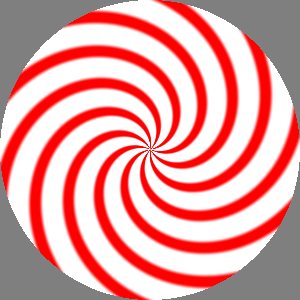
This related Twist
operator has infinite extent, applying a rotation proportional to the
distance of each pixel from a given center. An “angular scale” parameter
adjusts the ratio of distance to rotation.

This is the input texture used in the previous two
examples. It is a
Wrap applied
to the new “slightly soft-edged square wave grating” generator with the
oxymoronic name
SoftEdgedSquareWaveGrating.
Compare this to the “radial grad” in the
December
10 entry. In that, the intensity profile along a circle is a sine
wave. The profile here is generally like a square wave (as in
SquareWaveGrating)
but with “narrow” sinusoids at the transitions between 0 and 1. So if
you are keeping score at home, this would be the fifth “waveform” for
gratings defined in this library. Since the soft transition width is a
parameter
SoftEdgedSquareWaveGrating
is actually a continuum of waveforms between the extremes of
SineGrating
and
SquareWaveGrating. Maybe
these three waveforms can be folded together in some future revision.
I debugged the operators in the first two images using a sine wave
grating. The soft edged results looked nice but not much like the
peppermint candy I had in mind when I started. I tried using the square
wave grating. That made the edges sharp. In fact it was too sharp,
causing aliasing and moire patterns similar to the center of the image
from
December 26. I tried fixing it with
Blur
but as
Rocky
tells
Bullwinkle,
“that trick never works.” The new soft/hard grating acts as filtering
before sampling. It is still not the ideal approach, in this radial
transformation the transition between red and white is too hard near the
center and too soft further out. (A more principled approach would be
stochastic super-sampling but I have been hesitant to take that plunge.)
Grads and API issues
March 29, 2009
Gradations/gradients of color, or other image
properties, seem a likely component of a library for texture synthesis.
While grads are often constructed with a linear transition, these have
infinite extent so use a sinusoid to avoid
Mach
bands at the edges of the transition zone. The image to the left
shows a minimal grad definition: a transition from black to white, with
a single parameter giving the width of a transition zone centered around
the Y axis.
(Note: the Bar
generators described on January 11 can be
seen as a pair of such gradations. A sawtooth grating (December
20) could be seen as a series of linear gradations.)
This simple generator brings up some issues of API design that so far
have been unresolved -- or rather have been resolved inconsistently.
Should the API design goal be to minimize the number of parameters for
simplicity or should all potentially useful parameters be included for
generality? For example, the
SoftEdgeSpot
generator does not currently have a “center” parameter to specify
translation. The assumption was that the
Translate
operator provides that functionality, so why complicate
SoftEdgeSpot
with an extra parameter? Modularity, orthogonality and simplicity all
argue against it.
On the other hand, this library is designed for use by
GP
(an automatic programming technique inspired by evolution) which changes
some design criteria. For example, unless a
SoftEdgeSpot
happens to appear within the scope of a
Translate
operator it will always be located right at the center of the final
texture. Adding a
center
parameter to the
SoftEdgeSpot
generator effectively forces GP to pick a location for the spot. I think
this will generally lead to less regularity and more interesting,
complex textures being evolved by GP.
So what would a more elaborate, GP-friendly Gradation
generator look like? Perhaps it would be like the one described above,
with a parameter for transition width, plus parameters for rotation and
translation.
Or perhaps it could fold together translation, rotation AND colorization
by specifying two positions and two colors. Two endpoints define a line
segment indicating the orientation and width of the transition. Two
colors correspond to the value of the gradient at each endpoint. In the
first image above, the two points would be on the X axis and equidistant
from the Y axis, the colors would be black and white.
These three candidate parameterizations of the Gradation
generator are illustrated in the code box below. Each produce the same
tilted, offset, yellow-red grad shown to the left. The key point to
notice is that the “minimalist” version 1 turns out to require the
largest amount of code while the more “elaborate” version 3 is the most
compact expression. Version 1 is not just larger, but it seems more
“genetically fragile” since the three helper operators must all appear
together lest the grad be centered or vertical or monochrome.
For now Gradation is defined as
in version 3. I think I am leaning toward adding a “center” parameter to
SoftEdgeSpot but am conflicted about whether to add two color
parameters. Possibly I could do both with multiple constructors for the
generator classes.
SoftMatte (Translate (center,                        // version 1
                      Rotate (angle,
                              Gradation_1 (width))),
           yellow,
           red);


SoftMatte (Gradation_2 (center, angle, width),       // version 2
           yellow,
           red);


Gradation_3 (v1, yellow, v2, red);                   // version 3
Composition book cover
March 28, 2009
Riffing on the
HueOnly
version of blurry grain, I tried applying
HardThreshold
to the same input and got a nice texture that reminded me of an
old-fashioned
composition
book cover. The
December 13 poppy seed
texture used a similar idea. Annoyingly I noticed that
HardThreshold
produced a texture that appeared to have some gray values in it.
That was good news and bad news. Soft “filtered” edges are generally a
good thing but that operator should have produced only black or white
pixels. That lead to the OpenGL texture filtering fix discussed in the
previous entry. Once I got a bug-free version of hard-edged thresholding
working, I wrote a new soft-edged thresholding operator that takes two
floating point values to delimit the start and end of the soft
transition zone.
SoftThreshold (0.497,
               0.503,
               Blur (Blur (Blur (Blur (Blur (Blur (Blur (Blur (Grain ())))))))));
Avoiding MIP-mappery
March 28, 2009
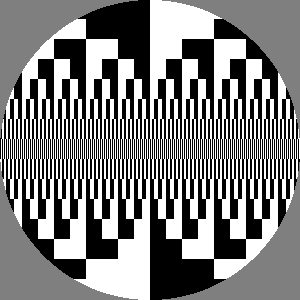
I fixed a bug in my display code which had caused
occasional localized blurring. This happened when OpenGL tried to “help”
me by filtering my textures for use in 3D. I am still using OpenGL,
certainly overkill for this application, but have convinced it not to do
any filtering. This texture is a hard-edged resolution test chart. Along
the center row pixels alternate between black and white. The wavelength
of this square-wave doubles (decreases one octave) in each adjacent row.
Extracting hue
March 23, 2009
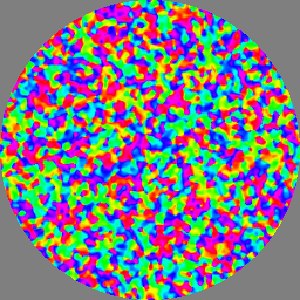
This is a blurry grain texture (see second image)
from which the pure hue component has been extracted with the new HueOnly
operator. It takes a pixel value in RGB space, converts it to HSV, then
throws away the original saturation and value, replacing each with the
max value. So the result is composed of fully saturated, fully bright
hues of the original image.
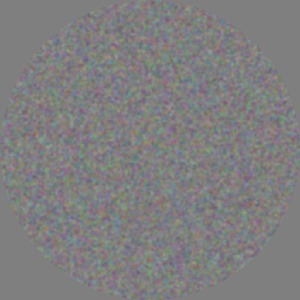
This is a Grain
texture to which Blur has been
applied 8 times. That is similar to a low pass filter (Gaussian-ish)
whose kernel is 17 pixels in diameter. The first Blur
is 3x3, subsequent convolutions extend the support radius by 1 pixel (17
= 3+2×7).
Ouch!
March 22, 2009
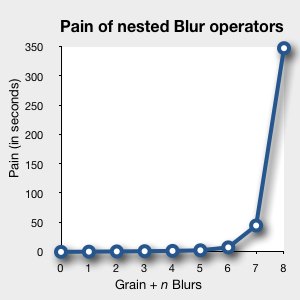
Yikes! The
March 19
band-aid fix to the cache-miss problem caused an exponential explosion
doing a series of nested Blur operators. Apparently the 3x3 LPF
kernel's support fell outside the cache in a one pixel wide border
around it. The iterated Blur operators caused an exponential
growth of uncached pixels in a region 8 pixels wide all being recomputed
many times. I think each such miss would cause 8 more accesses to the
input texture, so perhaps 8
7 (2 million!) additional getPixel
calls?
I changed the cache to be twice as big in both directions or 4 times as
many pixels cached. It had previously extended from -1/2 to +1/2 in both
directions, now it extends from -1 to +1. With that change all is well
for now. The painful 8X nested Blur case now runs 90 times faster. It
also correctly handles the failure from
March 18.
But the texture caching remains non-adaptive so this problem still needs
a more robust solution
Another color space
March 20,2009
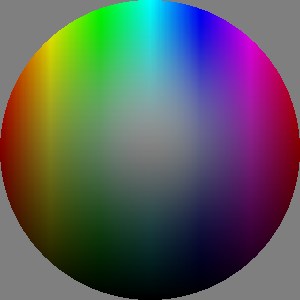
This image is just to test new routines to transform
color values between the RGB and HSV color spaces. RGB (red, green,
blue) is the color space used by most display hardware and HSV (hue,
saturation, value) is a “computer graphics friendly” version of IHS
(intensity, hue, saturation) space that corresponds more closely to
human color perception. The
HSV
and HSL spaces were first described in the literature by
Alvy
Ray Smith in 1978. In this image, hue varies from left to right,
value (intensity) increases from bottom to top and saturation increases
radially from the center.
Ring
March 19, 2009
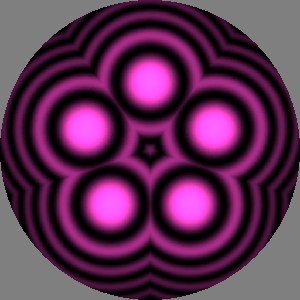
I added a
Ring
operator similar to both
Row
and
Wrap. Like
Row
it replicates a rigid portion of the input multiple times into the
output. Like
Wrap these copies
are pie-shaped sectors rotated around a given point. Compare this image
made with
Ring to the
February
6 image of
Wrap applied
to the same texture
(purpleRSpot).
Historical note: my
ASAS
procedural animation and modeling system included analogous
ring
and
row operators back in
1978.
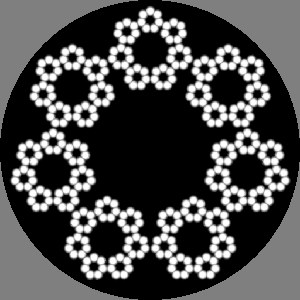
This fractal pattern was made with Ring
and a SoftEdgeSpot. There are
three levels of recursion, each ring has seven copies, for a total of
343 spots. This image demonstrates a band-aid fix for the “cache miss”
bug. The CachedTexture object simply passes through the original texture
if outside the cached region.
r1 = Ring (7, Translate (Vec2 (0, 0.15), SoftEdgeSpot (0.04, 0.1)));
r2 = Ring (7, Translate (Vec2 (0, 0.5), r1));
r3 = Ring (7, Translate (Vec2 (0, 1.66), r2));
texture = Scale (0.2, r3);
Pay no attention to that man behind the curtain
March 18, 2009

While testing the new
Ring
operator, I discovered a bug in the caching mechanism. Here is the
“standard benchmark” (see entry for
November 26)
scaled down by half. Oops!
The current cache implementation assumes a finite region of interest.
The size is not adaptive so sometimes its too big and sometimes too
small. Worse, “cache misses” are handled ineptly, as shown in this
image. Finally the spatial resolution of the cache is fixed which can
lead to loss of image quality.
Recently I added input caching to the
Wrap
operator. I noticed that for a simple case (
February
6, bottom image) the caching code was actually 15% slower which
begged the question: why use it? However metering
Ring
with a somewhat more complicated texture
(test4dots)
showed a 60% speedup. Presumably the speed-up would be significant for
the sort of complex textures that this library is intended to provide.
Caching remains a requirement so a new implementation is required.
Anti-fisheye
March 15, 2009
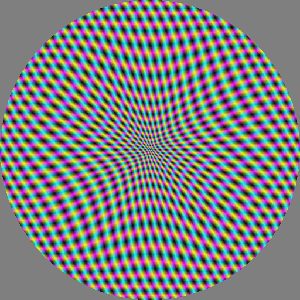
Finally fixed the problem seen in the
January
4 entry: the “local non-linear radial scale” operator correctly
handled expansion but not contraction. The new version of the operator
uses a look-up table to invert the scale-
as-a-function-of-radius
curve. I renamed the operator from RadialMagnification
to StretchSpot. as
well as adding a “center” parameter and removing the “inner
radius” parameter. (The first draft had parameters like SoftEdgedSpot.)
Compare
this image to the “local fisheye expansion” in the January
1 image.
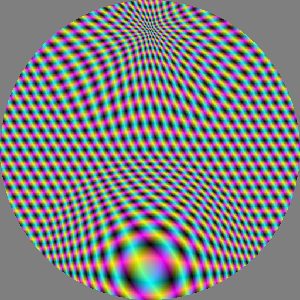
Here the same background pattern is first contracted
about a point near the top and then expanded about a point near the
bottom. The two circular regions of stretch just touch at the center.
StretchSpot (10,             // center scale
             0.4,            // radius
             Vec2 (0, -0.4), // position
             StretchSpot (0.1,           // center scale
                          0.4,           // radius
                          Vec2 (0, 0.4), // position
                          bg3way));
Better wrap with angular scale
February 6, 2009

I tried adding an angular scale parameter to the
previous version. It maps from horizontal coordinate in the source image
to angular coordinate in the polar wrapped output. The results are more
what I had in mind but I worry about adding too many parameters that
might be troublesome to set. Here is the same five-fold Wrap
applied to a SoftEdgeSpot and
a tinted RingedSpot.
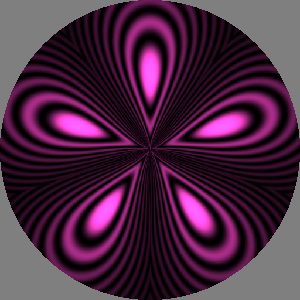
purpleRSpot = Tint (Pixel (1.5, 0.4, 1.2),
                    Translate (Vec2 (0, 0.25),
                               RingedSpot ()));
texture = Wrap (5, 0.14, Vec2 (), purpleRSpot);
Proto wrap
January 13, 2009

A first pass at a Wrap
operator that takes a rectangular region of its input and wraps it in
pie-shaped sectors around a given point.
Bars
January 11, 2008
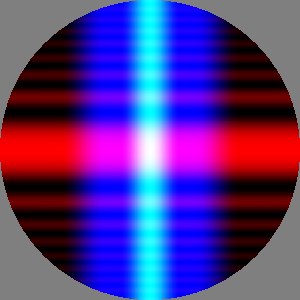
This shows three bar-like textures tinted with
primary colors and added together. These bars
are extruded versions of spots
described below. The two vertical elements are made with the SoftEdgeBar
generator which has parameters like SoftEdgeSpot
plus position and angle. The blue one has a wide stripe of full
brightness with soft edges. The green one (seen here as cyan) has a
cosine brightness profile. The horizontal red texture was
generated with RingingBar an
extruded version of RingedSpot.
Local fisheye contraction (not)
January 4, 2009
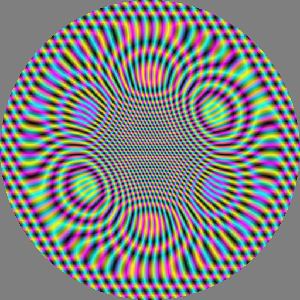
The local expansion worked well and so it was
disappointing that inverting that one parameter did not produce the
inverse fisheye I was expecting. After a little investigation I realized
I needed the inverse function of the radius remapping used in the
previous example. That has so far eluded my limited algebraic skills. If
nothing else I will have to use a lookup table, or a spline, to
approximate the inverse function.
(Update: fixed with lookup table on
March 15.)
Local fisheye expansion
January 1, 2009
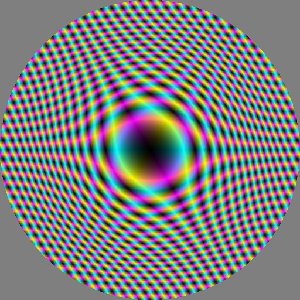
This RadialMagnification[?]
operator
scales the input texture at a given point, with the effect smoothly
tapering off to a given radius. Outside that radius the texture is
unchanged.
BTW, I see a fairly strong illusory motion in this pattern where the
center of the image seems to wobble relative to its background in
response to my head movement.
Cool, but no cigar
December 26, 2008

This was an early attempt at a localized contraction
warping of a texture. It was not what I was looking for but I thought it
was cool nonetheless. The input texture was a linear grating of wide
yellow and narrower blue stripes. Note also the aliasing errors near the
center. So far all sampling is based on single point samples. Using
multiple jittered samples per texel would help in this case, using them
all the time might be overkill. A simple criteria for deciding when to
supersample would be helpful.
Three grating shapes and a naming conundrum
December 26, 2008
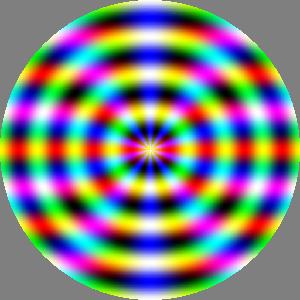
This texture is the sum of three grating-like
generators each tinted a primary color. I am unsure what to call them.
The red horizontal stripes are a sinusoid
linear
grating. The green target-like rings are an
annular
grating where the sinusoid is applied to the radius of a pixel
(its distance from the center), a slight variation on the
RingedSpot
mentioned below. The blue pie-shaped sectors result from applying the
sinusoid to the angle formed by a pixel, the center and a reference
direction. Is that an
angular grating,
or do the ray-like features suggest it should be called a
radial
grating?
If there are 3 shapes and 4 waveforms for gratings, should there be 12
distinct generators, or one generator with two selector/enumerator
arguments? (Update: see
July 1 entry about this
issue.)
Stripes, gratings and four waveforms
December 20, 2008
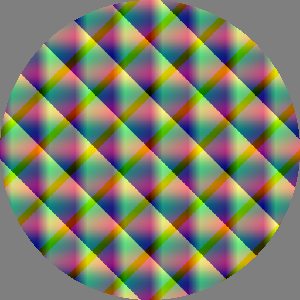
Originally wanting a generator for stripes, I
generalized to
gratings
with
four waveforms. In this image you might be able to make out four
distinct gratings added together: a horizontal red sine wave, a vertical
green triangle wave, and on the diagonals, a yellow sawtooth and a green
square wave. The triangle and square waves have asymmetric “duty cycle”.
Currently there are four separate generators for the four waveforms (
SineGrating,
SawtoothGrating,
TriangleWaveGrating
and
SquareWaveGrating) but
this may change. (Update: or maybe not, see
July 1
entry about this issue.)
Poppy seeds
December 13, 2008
This is the only image here intended to be
representational. It is meant to look like poppy seeds scattered on a
white plate. I was thinking about the types of images that could be
generated with this library, perhaps more worrying about which kinds
could not. While cleaning up after breakfast I found myself looking at
the real version of this and wondering if it could be portrayed using
this library.
This attempt is moderately successful. I used blurring and thresholding
to get the effect of the
morphological
image
operator called
dilation.
Perhaps some of the basic morphological operators should be added to
this library?
grain = Grain ();
hardGrain = HardThreshold (0.96f, grain);
blur1 = Blur (hardGrain);
blur2 = Blur (blur1);
blur3 = Blur (blur2);
blur4 = Blur (blur3);
hardDots = HardThreshold (0.01f, blur4);
invert = Invert (hardDots);
softDots = Blur (invert);
texture = softDots;
Radial (or is it angular?) grad (or is it grating?)
December 10, 2008
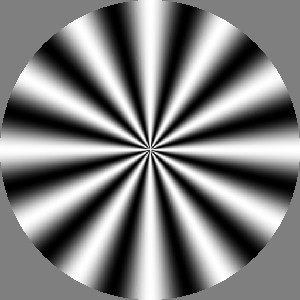
Thinking about other basic geometries I want the
library to support, some sort of “radial” or “spoke-like” pattern seemed
important. For each pixel in this image an angle is determined from the
center. The angle is passed through a sinusoid curve to determine
brightness. Since the brightness varies with angle, that suggests the
name “angular”. Along any ray/radius the brightness is constant. The
bright “rays” suggest the term “radial.” I called it RadialGrad
for now.
Product of ringed spots and “HDR”
December 5, 2008

Always on the lookout for complexity on the cheap, I
tried to make something like an
interference
pattern. I multiplied two shifted copies of yesterday's
RingedSpot.
Indeed the resulting shapes were nice but the image was very dark. This
image is the result of scaling up the brightness of the product of
spots. That description sounds simple enough but required several
changes in the API to allow color values outside the unit RGB cube, and
to clip rather than wrap around at the final 8 bit conversions. Color
values are now allowed to get large and are clipped just before display.
Super-bright colors are harmless as intermediate values but will be lost
if they persist to the output. The four largest blobs in this image have
been clipped to white and so lack detail at their centers.
Ringed spot
December 4, 2008
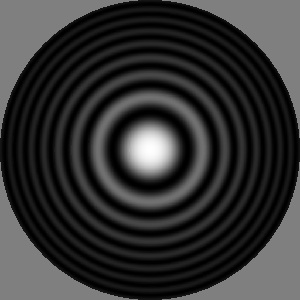
Thinking about generators like
SoftEdgeSpot,
a round pattern based on a
sinc
function came to mind. I liked this variation I called
RingedSpot
where both the amplitude and the wavelength of the rings decrease with
distance. This implementation seems a bit
ad
hoc since there are two hidden parameters related to frequency
and falloff. Maybe they should be exposed? And of course beyond
SoftEdgeSpot
and
RingedSpot there are
plenty of other interesting functions that could define the profile of a
radially symmetric texture.
Edge finder
November 29, 2008
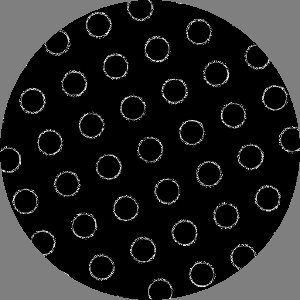
In the original to-do list I had both
Blur
and some kind of “sharpen” or “edge enhance” operator. This
result, based on a 3x3 convolution kernel, looks more like an “edge
detector.” I'd like an operator that will emphasize edges in the input
image but otherwise leave it largely unchanged.
(Update: see
July 20 and
August
24.)
Grain and desaturation
November 28, 2008

The center of this texture shows the Grain
generator where each pixel has a random color chosen from a uniform
distribution in the unit RGB color cube. Caching is required for Grain
to return consistent results for subsequent getPixel
calls with identical arguments.
The outside of this texture shows the Monochrome
operator applied to the same Grain
texture. In between is a soft transition provided by a SoftEdgeSpot.
At least to my eyes, the contrast of the result seems similar at the
center and the periphery, but seems oddly lower in a ring in the
transition zone, roughly 80% of the outer diameter. I have no idea what
produces that effect.
(Update: I noticed much later that I apparently wrote the Blur
operator the same day I wrote Grain
and Monochrome but neglected
to mention it here. The source code for this test includes a
commented-out verison which used a blurred Grain.)
grain = Grain ();
mono = Monochrome (grain);
spot = SoftEdgeSpot (0.15, 0.5);
texture = SoftMatte (spot, mono, grain);
Rows and arrays
November 26, 2008

With the previous texture as a starting point, a
Row
operator produced a row of copies. Applying
Row
a second time produced this array. Perhaps there should be a built in
“array” operator? (Update: see
April 21, 2009)
This texture also allowed experiments with an input caching strategy in
operators to prevent recomputing input pixel values when they are
referenced multiple times while creating the output texture.
(The introduction of caching lead to some c++ issues. Using
nested expressions of operators and generators (which are in fact
class constructors) lead to short lifetimes of those “temporary”
instances. For example in texture=Row(a,Row(a2,...))
the compiler would construct and destroy the inner Row
during that one assignment, leaving it dead when the texture was later
evaluated.)
Rotate (pi/8,
        Row (Vec2 (0.15, 0),
             Rotate (pi/2,
                     Row (Vec2 (0.15, 0),
                          Add (Translate (Vec2 (0.015, 0.015),
                                          Scale (0.15,
                                                 Tint (green,
                                                       SoftEdgeSpot (0.2, 0.5)))),
                               Translate (Vec2 (-0.015, -0.015),
                                          Scale (0.15,
                                                 Tint (magenta,
                                                       SoftEdgeSpot (0.2, 0.5)))))))));
Composed operators
November 20, 2008
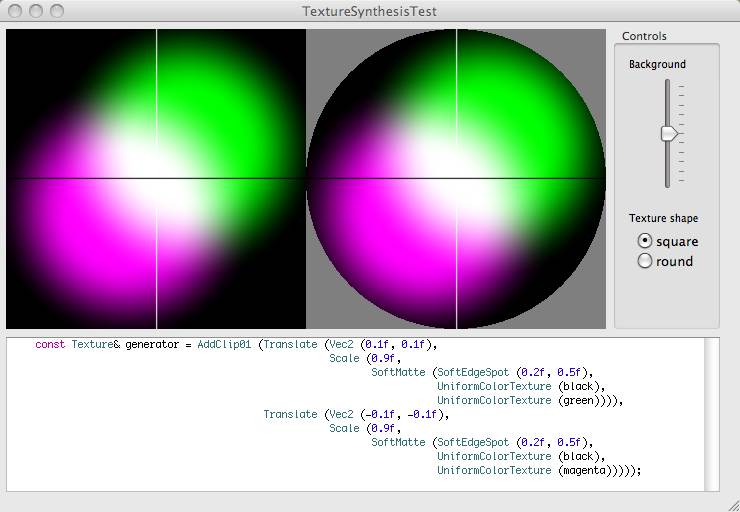
This screen shot shows a simple composition of
texture operators. Two soft edged spots are colored and added together.
(Update: the coloring was done with SoftMatte
rather than Tint which hadn't
been written yet, the addition used a clipping addition operator before
the switch to “high dynamic range” representation.)
AddClip01 (Translate (Vec2 (0.1, 0.1),
                     Scale (0.9,
                            SoftMatte (SoftEdgeSpot (0.2, 0.5),
                                       UniformColor (black),
                                       UniformColor (green)))),
           Translate (Vec2 (-0.1, -0.1),
                      Scale (0.9,
                             SoftMatte (SoftEdgeSpot (0.2, 0.5),
                                        UniformColor (black),
                                        UniformColor (magenta)))));
First light
November 17, 2008
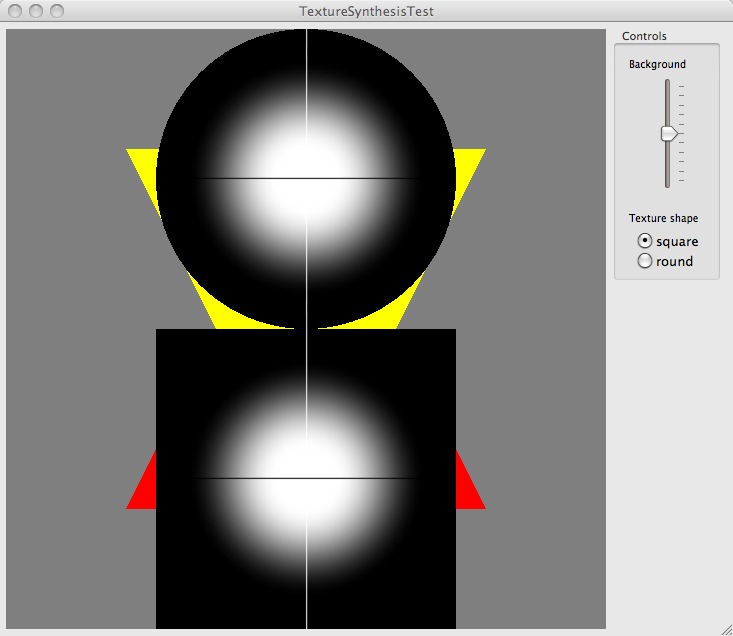
In early November I started learning how to write a
simple OSX application using the Cocoa framework. I got one running and
displaying texture mapped OpenGL triangles. This is the first display of
a texture generated via the procedural texture synthesis library
described in this document. In this case the texture was generated by SoftEdgeSpot.
The texture shown applied to both a square and a circle. Since I plan to
use textured disks in my experiments I stopped using the square
format. I used a 50% gray background as the least likely to bias
perception of the synthesized textures.
Preliminary design
September 20, 2008
This commentary written later, in retrospect:
By early 2008 I had a vague conceptual
design of a library for procedural texture synthesis, suitable for use
with a genetic programming (GP) system for automatic program
discovery. This combination is intended to allow for goal-oriented
texture synthesis. The basic idea was to structure the texture
synthesis library as a collection of composable units. It was
essentially a data flow model, or seen another way, a collection of
functions whose output were color texture objects. These textures
represented a mapping from a continuous 2d plane (ℝ2) to color values.
The inputs for these texture producing functions would be parameters
like real (floating point) numbers, 2D position vectors, 3D RGB colors
and optionally, other textures. Functions with textures as inputs
would be called operators
and those with no texture inputs would be called generators.
I went back and forth about whether the textures should have fixed
extent (like a texture map, an array of discrete pixel values) or
whether they should have infinite extent (returns a value for any
pixel coordinates).
Some potential generators, like reaction diffusion textures, would be
expensive to compute so it seemed like caching of texture would be
needed. Some operators, for example a low pass filter, would need to
access multiple input pixels for each output pixel, so again caching
seemed an important feature. I have an email note from April 2008
discussing some ideas about caching strategy. Previously I had assumed
the texture functions would cache their outputs (as in memoization)
but this note suggested putting the cache on the inputs of operators
that needed them.
On September 20, I drafted an initial specification for the texture
synthesis library:
-
texture operators:
- image ops (on 2d images of RGB
pixels):
- add (with rescale or clip on
pixel values?)
- subtract
- multiply (divide? mult two
textures pixel by pixel, scale one image by scaler)
- blend/matte
- 3 arg version: foreground, background, matte (take
brightness as alpha value)
- 2 arg self matting version
- pure black is transparent (hard
matte)
- some way to have soft matte?
- convolve (two args, a source
image and a kernel image, how to prefer small kernels?)
- blur (default to 3x3?)
- sharpen/edge-enhance/edge-detect
- 2d transformations on image plane
- image warps
- stretch (scale along a given
axis leaving the perpendicular direction unchanged)
- expand/contract around point
- groups
- grid
-
primitive textures (generators):
- single color
- gradation
- spot (Gaussian by default? “soft
brush” parameters)
- bar (like a 1d Gaussian extruded
along perpendicular axis)
- speckle/grain (what parameters?)
- noise (use Ken Perlin's ImprovedNoise?)
Note that this list failed to mention
reaction
diffusion
textures which I had initially imagined as the primary source of
primitive texture in this project. Indeed it was to model natural
textures that Turing first proposed such systems in his landmark 1953
paper
The
Chemical Basis of Morphogenesis [PDF].